1
Timeline Maker Professional - User Guide
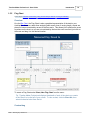
Flag Chart
69
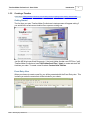
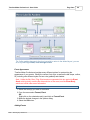
Tip: If after making changes to the chart you wish to return to the default layout, you can
do so by selecting Format, Auto-Arrange Events.
Event Appearance
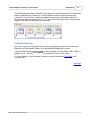
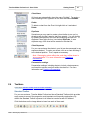
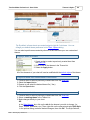
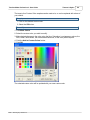
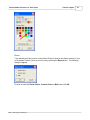
Timeline Maker Professional provides many different options for customizing the
appearance of your events. Modify the content, font style, as well as the bar shape, outline,
fill (including nine different styles of a two color gradient) and shadow.
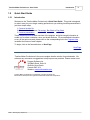
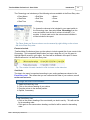
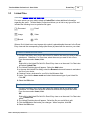
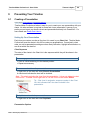
Note: Unlike the Bar Chart, Flag Chart events are separated into two parts: the Event
Head, which typically contains the date and time of the event, and the Event Body,
which can include other event information.
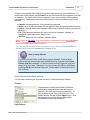
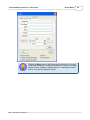
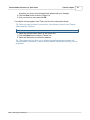
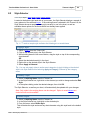
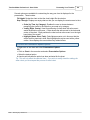
To format events:
1. Select the event(s) you want to customize.
2. From the menu select Format, Event.
OR
Right-click on the selected event(s) and click on Format Event.
3. Make the desired changes in the options dialog.
4. Select the OK button.
Adding Events
©2001 - 2009 Progeny Software Inc.