1
Core Features
133
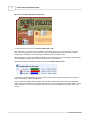
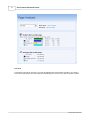
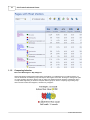
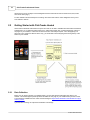
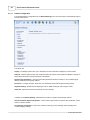
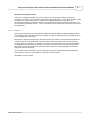
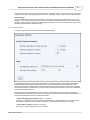
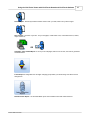
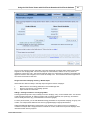
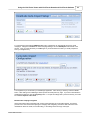
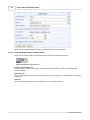
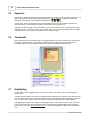
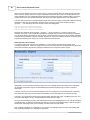
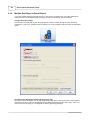
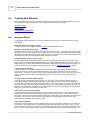
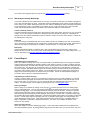
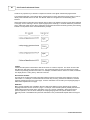
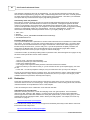
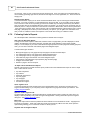
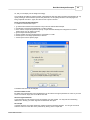
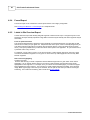
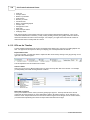
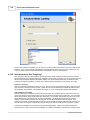
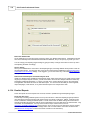
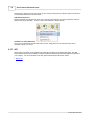
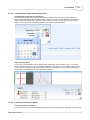
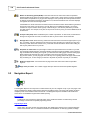
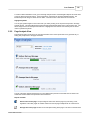
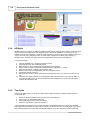
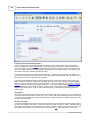
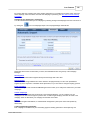
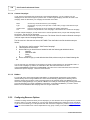
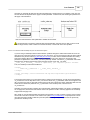
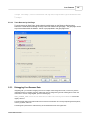
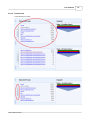
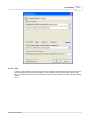
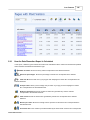
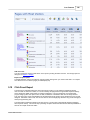
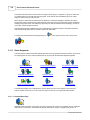
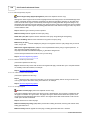
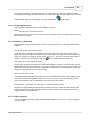
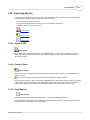
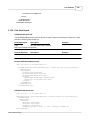
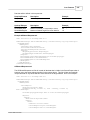
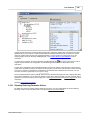
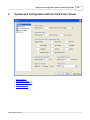
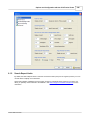
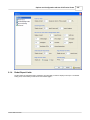
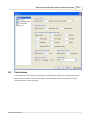
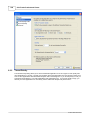
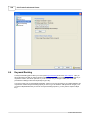
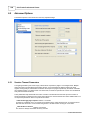
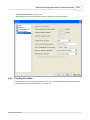
To switch to Robot Simulation mode, go into the Page Analysis section of the Navigation Report and scroll down
to the Top Search Keywords section. (See image above). Check the box for Robot Simulation Mode. The
Browser Report will change to reflect the new status. Uncheck the box to shift back into normal mode.
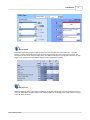
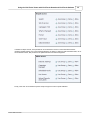
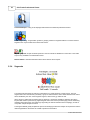
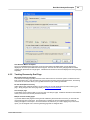
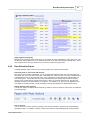
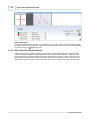
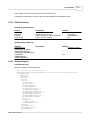
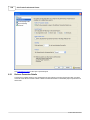
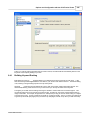
Highlight keywords
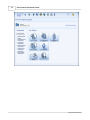
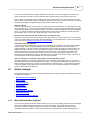
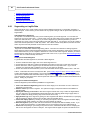
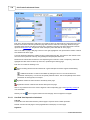
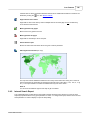
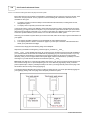
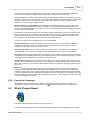
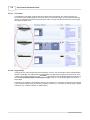
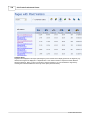
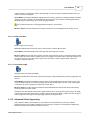
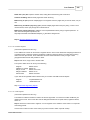
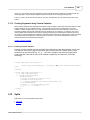
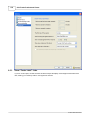
You can gain greater insight into how robots view your site by clicking on the top search keywords in the Page
Analysis section. This will highlight those keywords within the Robot Simulation frame of the browser view. The
above image shows how the keyword 'Persimmon' is highlighted in the browser when that keyword is clicked
under Top Search Keywords.
5.2.2
Page Analysis View
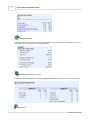
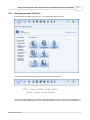
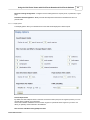
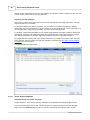
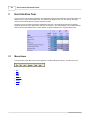
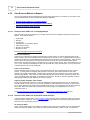
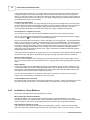
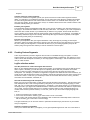
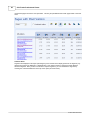
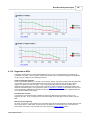
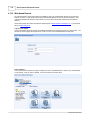
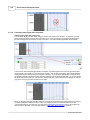
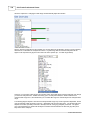
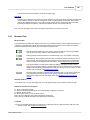
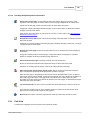
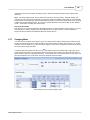
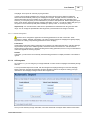
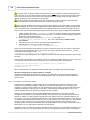
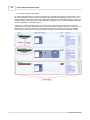
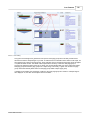
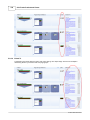
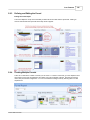
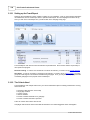
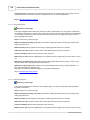
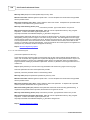
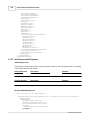
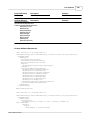
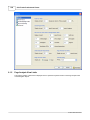
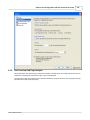
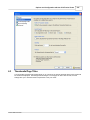
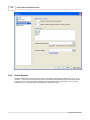
Page analysis reports are shown to the right of the Browser View. These reports offer a very powerful way of
seeing how people react to the page as a whole.
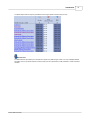
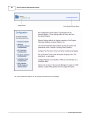
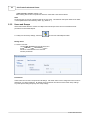
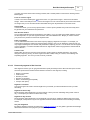
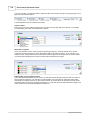
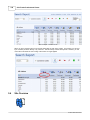
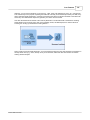
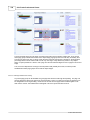
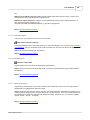
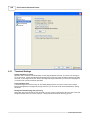
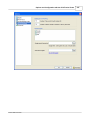
The top of the Page Analysis panel shows up to five different time periods for which data can be viewed. The
actual start and end dates of the period are shown below this.
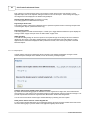
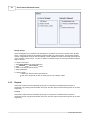
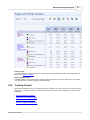
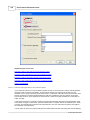
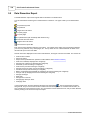
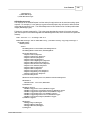
Reports available
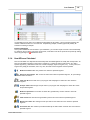
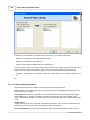
Visitors who see this page: The percentage of visitors who see this page any time during a visit,
regardless of the order pages are visited. Visitors who see the page multiple times are counted once.
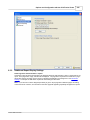
Average time at this page: Number of seconds spent looking at this page. This does not include those
© 2001-2008 ClickTracks