1
| Advanced tools | 105
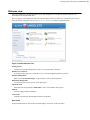
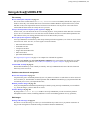
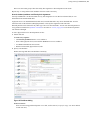
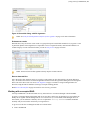
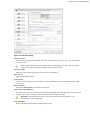
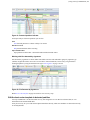
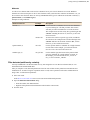
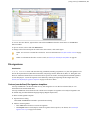
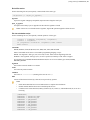
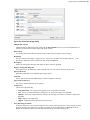
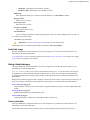
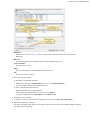
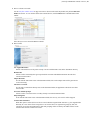
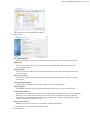
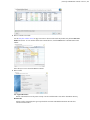
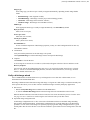
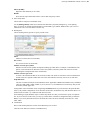
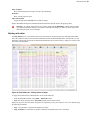
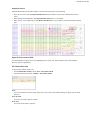
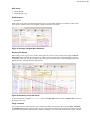
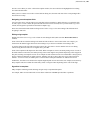
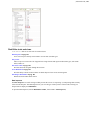
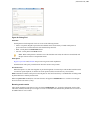
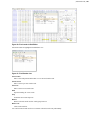
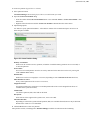
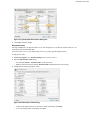
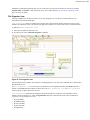
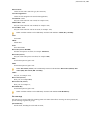
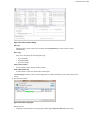
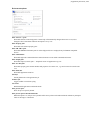
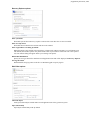
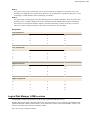
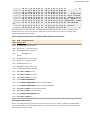
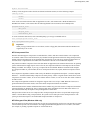
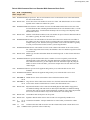
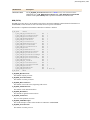
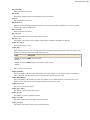
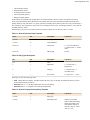
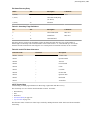
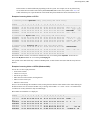
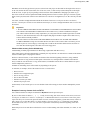
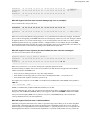
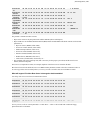
Figure 49: Dialog Find
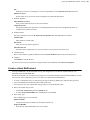
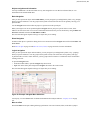
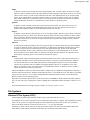
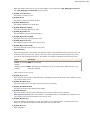
Find what
Search pattern to find. Required. Can be set in one of the following formats:
•
•
•
ANSI - text pattern, Regular expressions and wildcards can be used. History of ANSI search patters is
preserved for next sessions and can be selected from drop-down list.
HEX - search pattern in hexadecimal format.
Unicode - search pattern in Unicode format.
Note: When search pattern is entered in one of the find what text fields, the other two related fields will
interpret entered value in correspondent format.
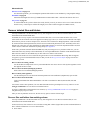
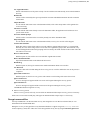
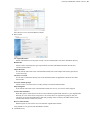
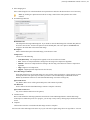
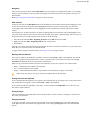
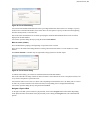
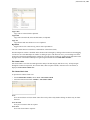
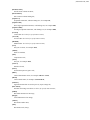
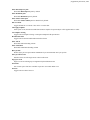
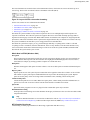
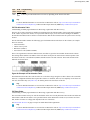
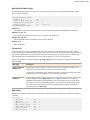
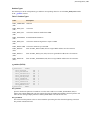
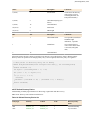
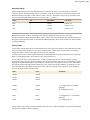
Find options
Regular expressions and wildcards can provide even greater search capabilities.
Search direction will specify search direction from the current cursor position.
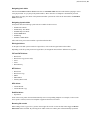
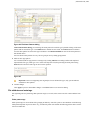
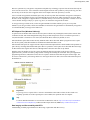
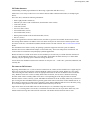
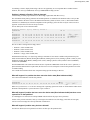
Per block search
When this option is on, then search applies on per block fragments of context object. This method could be useful
to search for repeated pattern, for instance at certain position (offset) in each and every sector (block).
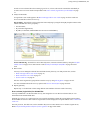
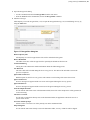
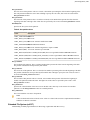
Find command will initiate search process and will pause at first search result entry. Use Next button on dialog or F3
keyboard shortcut to continue paused search.
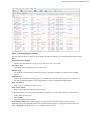
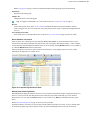
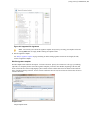
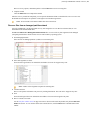
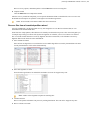
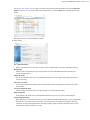
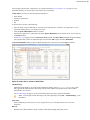
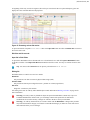
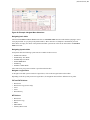
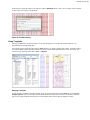
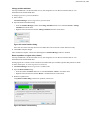
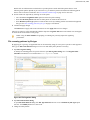
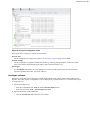
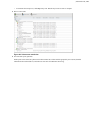
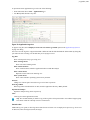
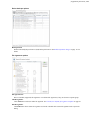
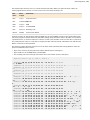
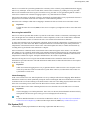
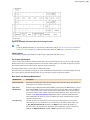
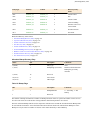
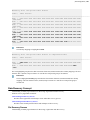
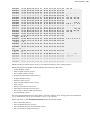
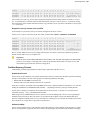
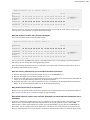
When using Find All command, list of all search entries will appear in Find Results view. Use this list to navigate
between search result entries (if any).
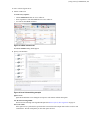
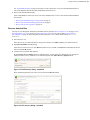
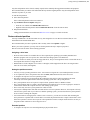
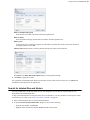
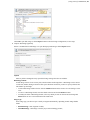
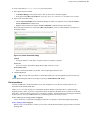
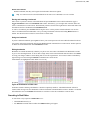
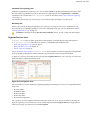
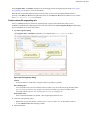
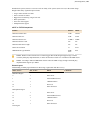
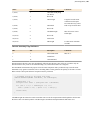
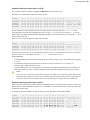
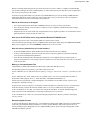
Browsing search results
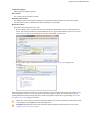
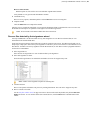
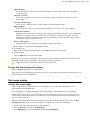
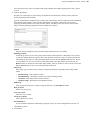
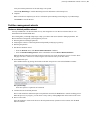
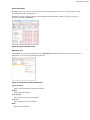
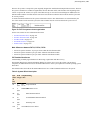
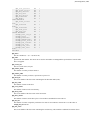
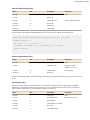
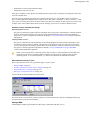
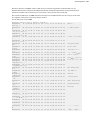
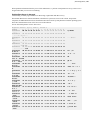
After search completed, result entries (if any) are listed in Find Results view, grouped in subsequent search results,
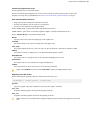
with offset (address) and short preview snippet. To focus on individual search result entry double-click on it in list or
use Goto button in view's toolbar.