1
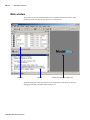
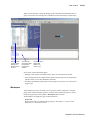
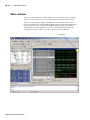
Main window
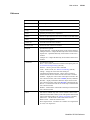
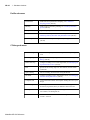
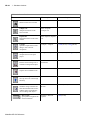
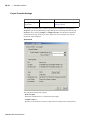
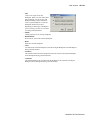
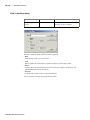
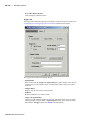
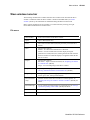
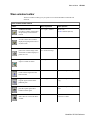
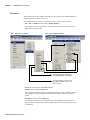
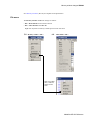
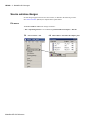
Code Coverage
GR-28
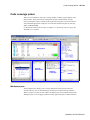
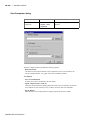
provides these options:
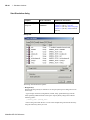
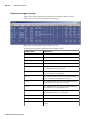
Current Exclusions – hide or show the Exclusions pane
Missed Coverage – hide or show the Missed Coverage pane
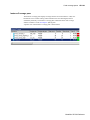
Instance Coverage – hide or show the Instance Coverage pane
Details – hide or show the Details pane
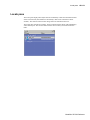
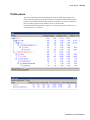
See "Code coverage panes" (GR-122) for details on these panes.
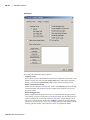
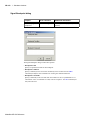
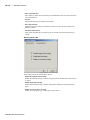
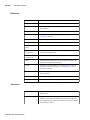
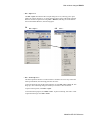
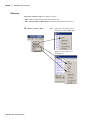
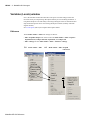
Profile
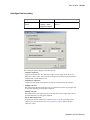
provides these options:
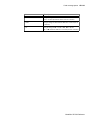
View – hide or show Profile pane
View Details – hide or show Profile Details pane
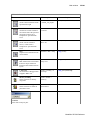
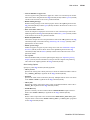
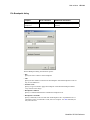
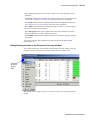
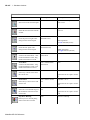
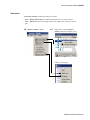
Source
provides these options:
Show line numbers–toggle display of line numbers
Show language templates–toggle display of the Language
templates (GR-207) pane
Read Only–toggles read only status of selected source file
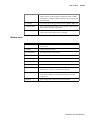
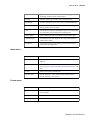
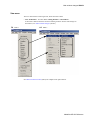
Workspace
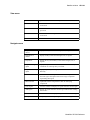
hide or show the Workspace (GR-18) pane
Show Tabs
toggle display of window tabs in MDI frame
Tabbed MDI
toggle MDI frame mode from tab-based mode to floating window
mode; see "Multiple document interface (MDI) frame" (GR-20) for
more information
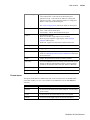
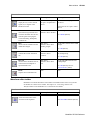
Goto
jump to the specified line number or memory address
Encoding
select from alphabetical list of encoding names that enable proper
display of character representations used by various operating
systems or file systems, such as Unicode, ASCII, or Shift-JIS.
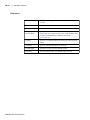
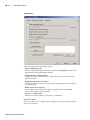
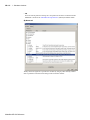
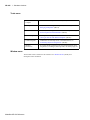
Project Settings
show information about the open project
Properties
show information about the object selected in the Workspace
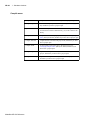
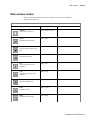
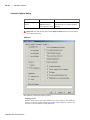
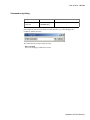
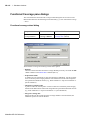
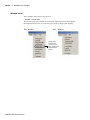
Format menu
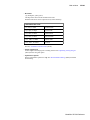
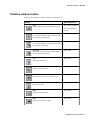
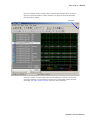
The options on this menu are enabled only when a wave window is active in the MDI frame
of the Main window. To view a wave window in the MDI frame, use the view mdiwave
command.
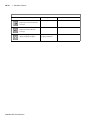
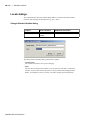
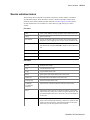
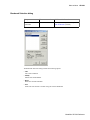
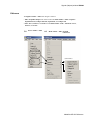
Radix
set the selected objects’ radix
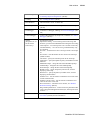
Format
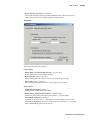
set the waveform format for the selected objects – Literal, Logic,
Event, Analog
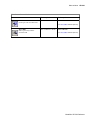
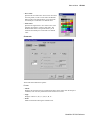
Color
set the color for the selected objects from a color palette
Height
set the waveform height in pixels for the selected objects
ModelSim SE GUI Reference