1
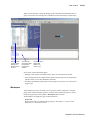
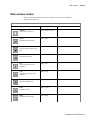
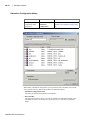
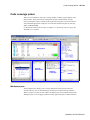
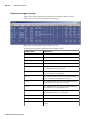
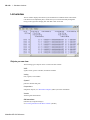
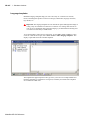
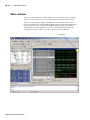
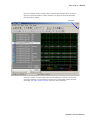
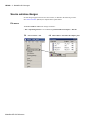
Functional Coverage pane
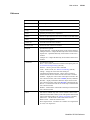
GR-156
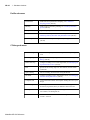
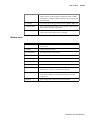
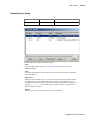
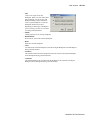
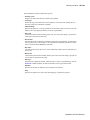
up in the Functional Coverage pane but they do not count toward coverage totals nor do
they show up in reports.
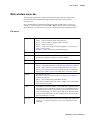
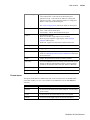
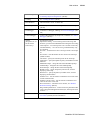
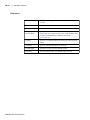
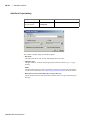
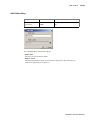
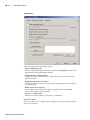
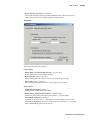
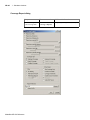
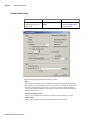
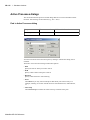
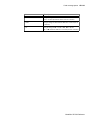
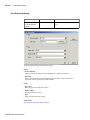
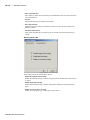
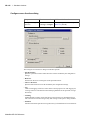
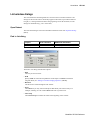
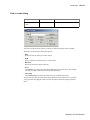
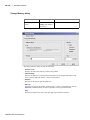
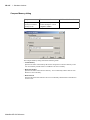
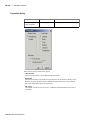
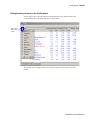
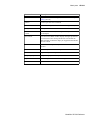
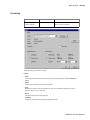
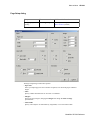
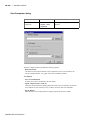
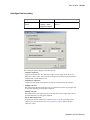
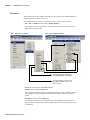
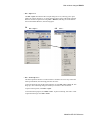
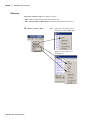
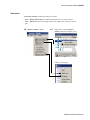
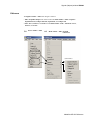
• Set Weight to
Applies a weighting to the specified coverage directive(s). Enter a natural integer (>= 0).
See "Weighting coverage directives" (UM-389) for more information.
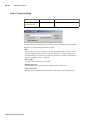
• Set AtLeast count to
Determines the number of times a directive must fire to be considered 100% covered. See
"Choosing "AtLeast" counts" (UM-389).
ModelSim SE GUI Reference