1
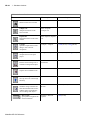
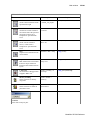
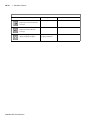
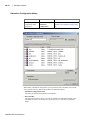
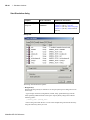
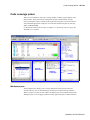
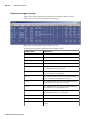
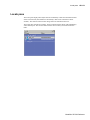
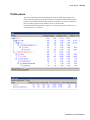
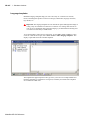
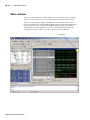
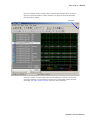
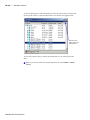
Functional Coverage pane
GR-154
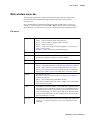
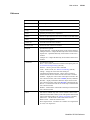
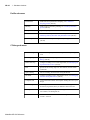
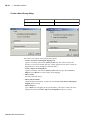
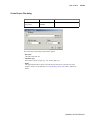
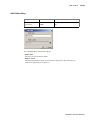
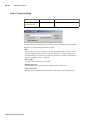
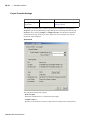
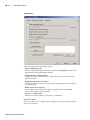
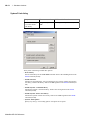
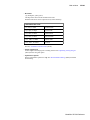
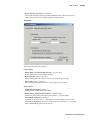
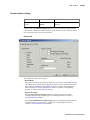
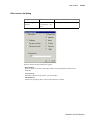
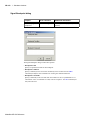
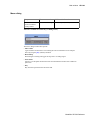
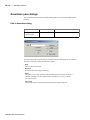
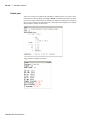
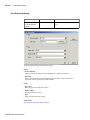
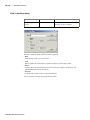
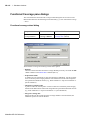
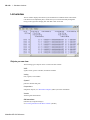
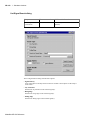
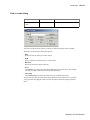
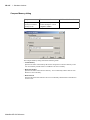
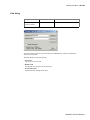
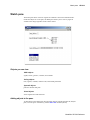
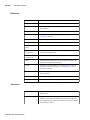
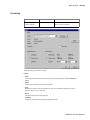
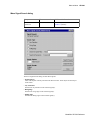
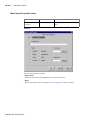
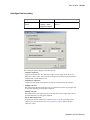
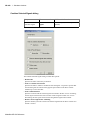
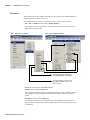
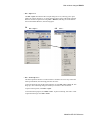
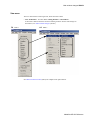
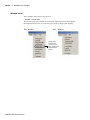
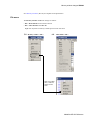
Find in Functional Coverage dialog
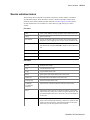
Purpose
Menu command
Additional information
Locate text in the
Functional Coverage
window
Edit > Find
NA
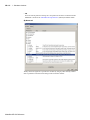
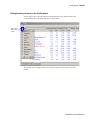
You must activate the Functional Coverage pane by clicking in it before this dialog will be
available.
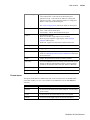
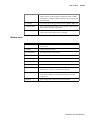
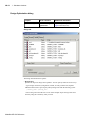
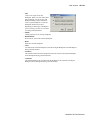
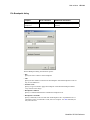
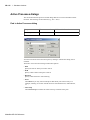
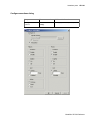
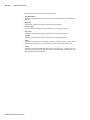
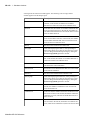
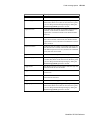
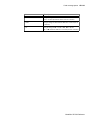
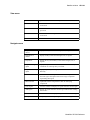
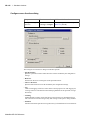
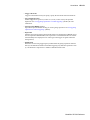
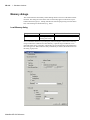
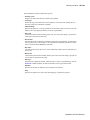
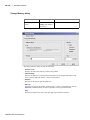
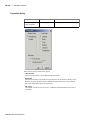
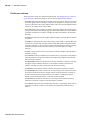
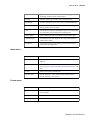
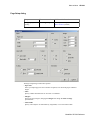
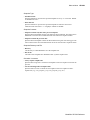
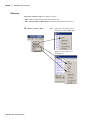
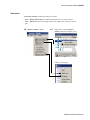
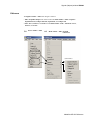
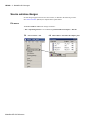
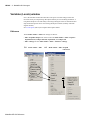
The Find in Functional Coverage dialog includes these options:
• Find
The text you want to locate.
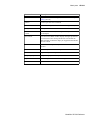
• Direction
Specify the direction to begin searching.
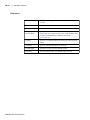
• Exact
Check Exact if you only want to find objects that match your search exactly. For
example, searching for "instance" without Exact will find /instance1/cover__1 and /
instance2/cover__1.
• Auto Wrap
Check Auto Wrap to continue the search at the top or bottom of the list.
ModelSim SE GUI Reference