1
GR-67
1 - Simulator windows
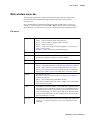
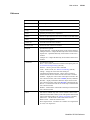
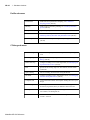
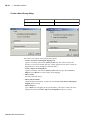
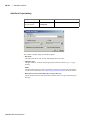
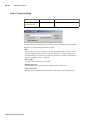
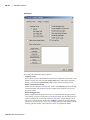
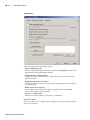
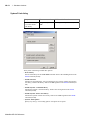
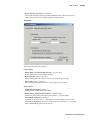
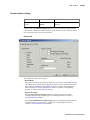
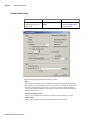
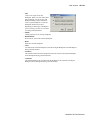
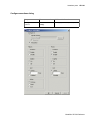
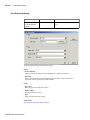
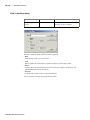
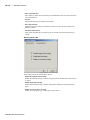
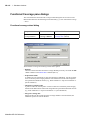
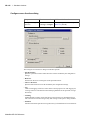
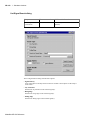
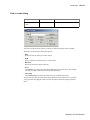
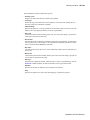
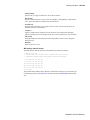
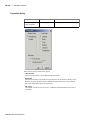
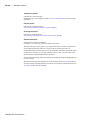
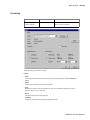
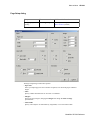
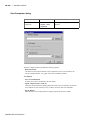
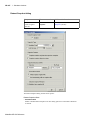
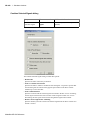
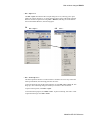
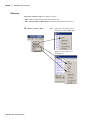
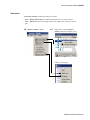
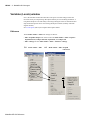
Report Warnings on:
• Unbound component
Flags any component instantiation in the VHDL source code that has no matching entity
in a library that is referenced in the source code, either directly or indirectly. Edit the
Show_Warning1 (UM-530) variable in the modelsim.ini file to set a permanent default.
• Process without a WAIT statement
Flags any process that does not contain a wait statement or a sensitivity list. Edit the
Show_Warning2 (UM-530) variable in the modelsim.ini file to set a permanent default.
• Null range
Flags any null range, such as 0 down to 4. Edit the Show_Warning3 (UM-530) variable in
the modelsim.ini file to set a permanent default.
• No space in time literal (e.g. 5ns)
Flags any time literal that is missing a space between the number and the time unit. Edit
the Show_Warning4 (UM-530) variable in the modelsim.ini file to set a permanent default.
• Multiple drivers on unresolved signals
Flags any unresolved signals that have multiple drivers. Edit the Show_Warning5 (UM530) variable in the modelsim.ini file to set a permanent default.
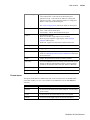
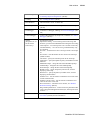
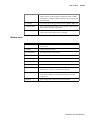
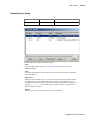
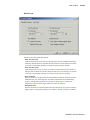
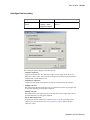
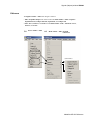
Optimize for:
• StdLogic1164
Causes the compiler to perform special optimizations for speeding up simulation when
the multi-value logic package std_logic_1164 is used. Unless you have modified the
std_logic_1164 package, this option should always be checked. Edit the Optimize_1164
(UM-529) variable in the modelsim.ini file to set a permanent default.
• VITAL
Toggle acceleration of the VITAL packages. Edit the NoVital (UM-529) variable in the
modelsim.ini file to set a permanent default.
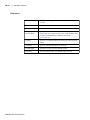
• Other VHDL options
Enter any other valid vcom arguments. See the vcom command (CR-313) in the ModelSim
Command Reference for a complete list.
ModelSim SE GUI Reference