1
Using the System
5
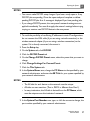
• If no study is active, press Acquire, and then click Temporary ID.
• If a study is active, press the Patient key, and then click Temporary ID.
2. When the study is finished, press the Patient key, click Edit, and edit the
emergency patient data.
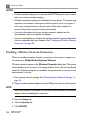
NOTE
In studies with a temporary ID, you cannot edit patient data after acquiring
an image if your system is configured to automatically export images. If your
system is configured for manual export, you can enter patient information up
to 24 hours after the study is ended.
System and Data Security
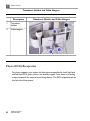
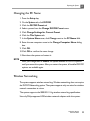
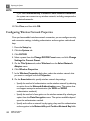
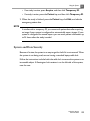
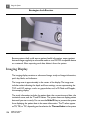
Because of its size, the system is an easy target for theft if it is not secured. When
the system is not being used, secure it using a standard laptop cable lock.
Follow the instructions included with the cable lock to secure the system to an
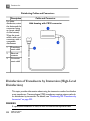
immovable object. A Kensington lock receiver is on the left side of the system,
near the rear.
CX50 User Manual
4535 613 06532
135