1
4
Preparing the System
NOTE
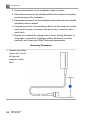
If no wireless network adapter is connected, the system prompts you to retry
the repair. If you cancel the repair, the system disables the network connection.
1. Press Pointer.
2.
3.
4.
5.
Click
or
.
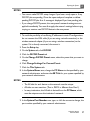
Click the Diagnostics tab in the DICOM Setup dialog box.
In the Repair Network Connection area, click Repairs.
In the Repair Network Connection dialog box, click Repair.The system
displays information about the repair.
6. Click Close.
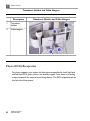
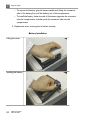
Moving the System
Before moving a system that is not mounted on a cart, Philips recommends that
you disconnect the AC adapter, ECG leads, and transducers. If you will be using
the system again within 20 minutes, close the lid without turning the system off
to put the system into the low-power portability mode. If you will not be using
the system within 20 minutes, turn it off before closing the lid and moving the
system.
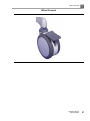
Observe the following warnings and cautions before moving a system that is
mounted on a cart.
106
CX50 User Manual
4535 613 06532