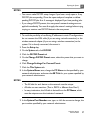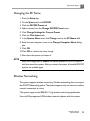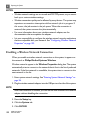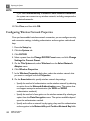
1
Using the System
5
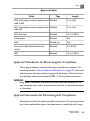
setups. Each application provides a default TI display that is used when the
Thermal Index selection is Normal.
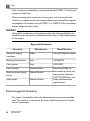
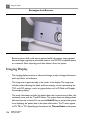
Image information is displayed to the left of the image. This includes the
transducer and preset in use. At the bottom of this area, icons indicating active
features appear. These icons include active imaging features, printer status, and
acquire states.
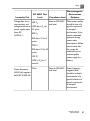
The imaging display size can be adjusted in the system setups.
The quick key labels appear along the bottom of the display.
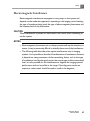
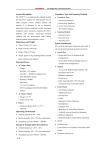
Description
Imaging Display
1. Imaging area
2. Patient and study
information
3. MI and TI values
4. Time and date
5. Preset and transducer
6. Imaging settings
7. Select menu
8. Grayscale or color bar
9. TGC curve
10. Status icons
11. Thumbnail images
12. Quick key labels
CX50 User Manual
4535 613 06532
137