1
Document: Learning Management System (LMS) User Guide
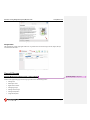
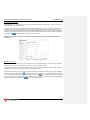
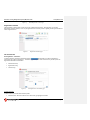
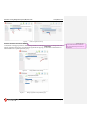
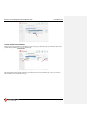
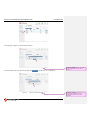
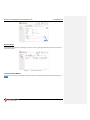
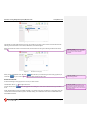
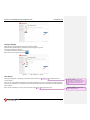
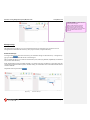
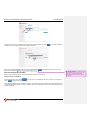
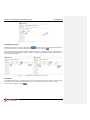
Figure 79:
Last updated: 7/3/14
Assign Training Plans location.
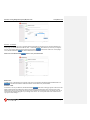
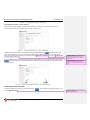
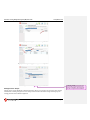
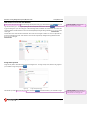
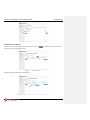
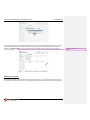
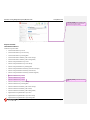
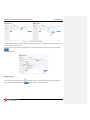
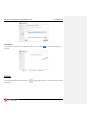
Select Training Plan
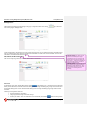
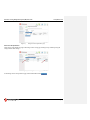
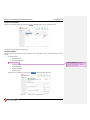
The Select Training Plan screen is activated when you press the Assign Training Plans tab on the left navigation bar. The
list contains all of the Training Plans available. Select the plan or plans you wish to assign and click Next
.
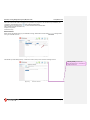
Figure 80:
Assign Training Plan – Select Training Plan.
Comment [ovhw42]: “Method” seems a bit
confusing. Do you think “Category” or
something like that might be a better choice?
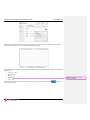
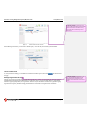
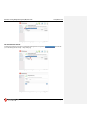
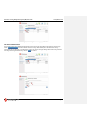
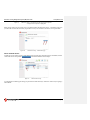
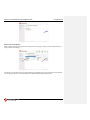
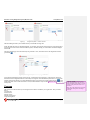
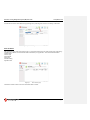
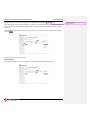
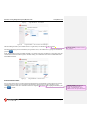
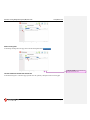
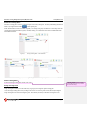
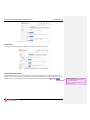
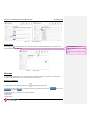
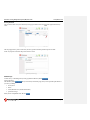
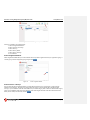
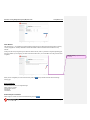
Select Enrollment Method
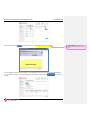
Choose the Group Category you would like to assign a training plan and hit Next
.
Page 51