1
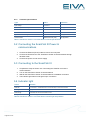
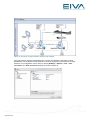
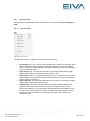
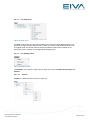
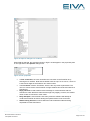
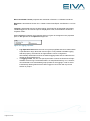
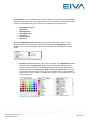
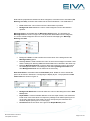
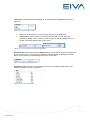
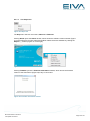
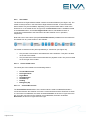
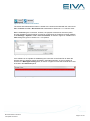
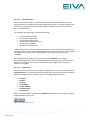
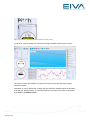
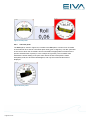
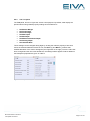
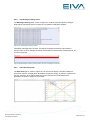
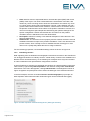
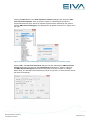
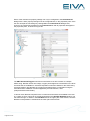
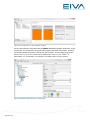
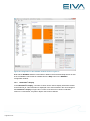
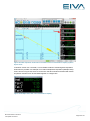
Tow Panel is associated with the Tow panel. The properties for Tow Panel are shown in Figure 42. Figure 42 Tow Panel properties Color is used to define the colour of the background of the Tow panel. Touch Size is used to define the size of the text field after an item has been selected for editing. This is shown in Figure 43 (prior to and after editing shown on the left, and during editing shown on the right). Figure 43 Touch Size prior to and during editing Numeric Panel is associated with the Numeric panel. The properties for Numeric Panel are shown in Figure 44. The only property available is associated with the Background Color that is used to define the overall background colour of the panel. Figure 44 Numeric Panel properties Shortcuts enables the user to set keyboard shortcuts for the different flight modes. The default shortcuts are shown in Figure 45. Figure 45 Shortcuts properties Page 38 of 102