1
Stray Current Mapper-User Manual
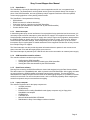
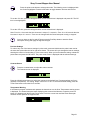
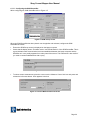
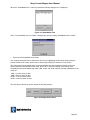
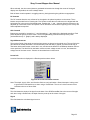
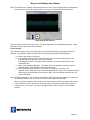
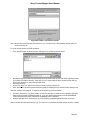
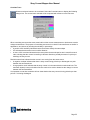
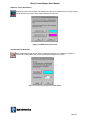
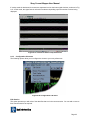
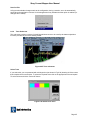
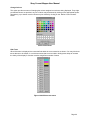
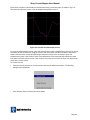
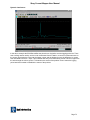
The DC Level and time-alignment fields may be edited to manually adjust the position of the selected
trace with respect to the other traces contained within the given session. The DC Level may be removed
by selecting the ‘Remove DC’ checkbox. Removing DC offset brings the traces closer together so they
can be more easily compared.
To remove the DC offset from a trace do the following
•
•
•
•
•
•
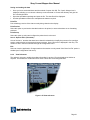
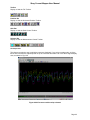
Select the required trace from the toolbar or with the trace button
Click Trace on the menu
Click properties
Click the remove DC check box
Click Next or Previous to select another trace
Click OK when finished.
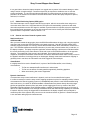
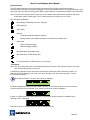
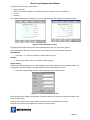
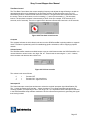
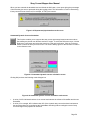
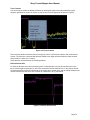
Similarly, the selected trace may be made invisible by clearing the ‘Trace Visible’ checkbox. This feature
is useful when a session contains many traces, and improves visibility when analysing traces in turn. The
‘Next’ and ‘Previous’ buttons display the properties of the next and previous traces respectively. Click
‘OK’ to close the dialogue box.
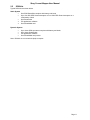
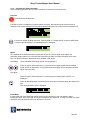
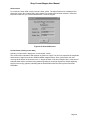
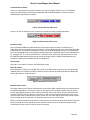
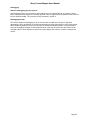
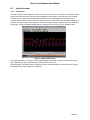
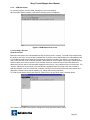
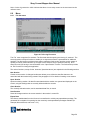
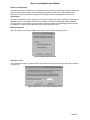
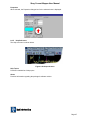
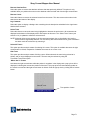
About
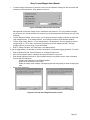
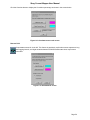
Displays the Viewer application revision information. This information is used primarily when
Radiodetection support is required.
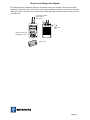
Figure 6.8 About screen
Note: This information will not be the same as that shown on the SCM Setup ‘About’ screen as the
applications are separate and may be revised individually.
Page 50