1
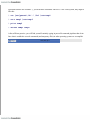
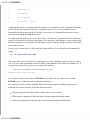
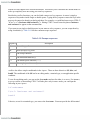
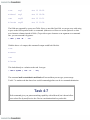
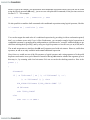
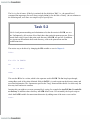
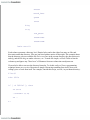
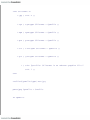
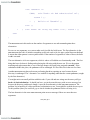
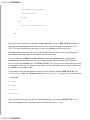
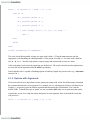
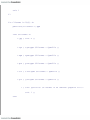
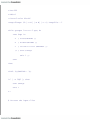
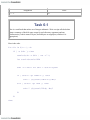
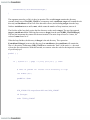
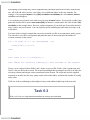
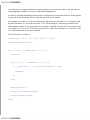
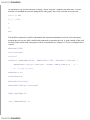
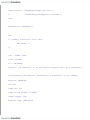
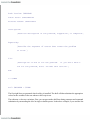
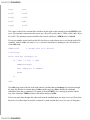
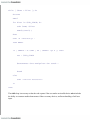
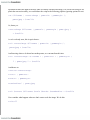
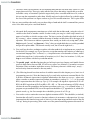
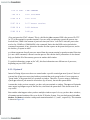
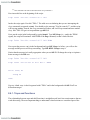
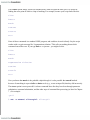
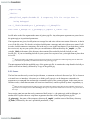
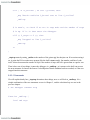
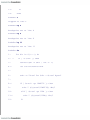
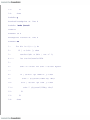
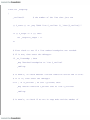
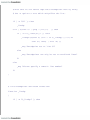
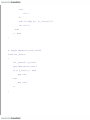
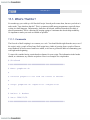
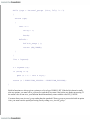
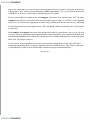
echo -n "not "
fi
echo "search."
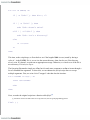
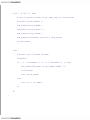
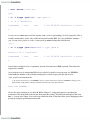
elif [ -f "$1" ]; then
echo "$1 is a regular file."
else
echo "$1 is a special type of file."
fi
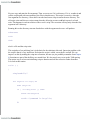
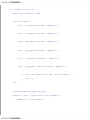
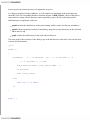
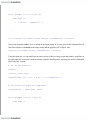
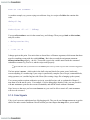
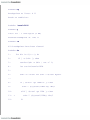
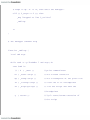
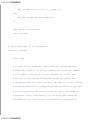
if [ -O "$1" ]; then
echo 'you own the file.'
else
echo 'you do not own the file.'
fi
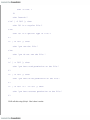
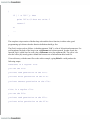
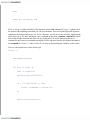
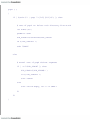
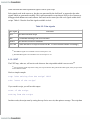
if [ -r "$1" ]; then
echo 'you have read permission on the file.'
fi
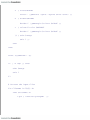
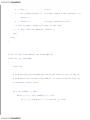
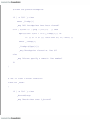
if [ -w "$1" ]; then
echo 'you have write permission on the file.'
fi
if [ -x "$1" -a ! -d "$1" ]; then
echo 'you have execute permission on the file.'
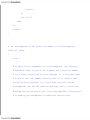
fi
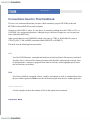
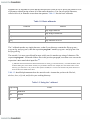
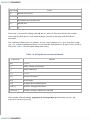
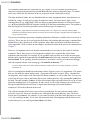
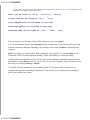
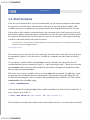
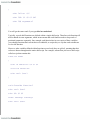
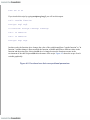
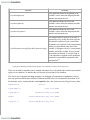
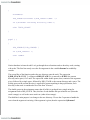
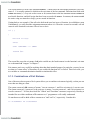
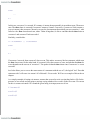
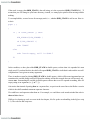
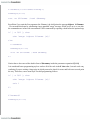
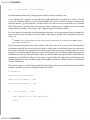
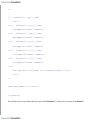
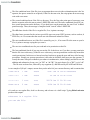
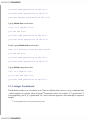
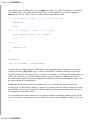
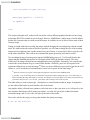
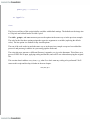
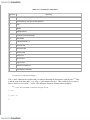
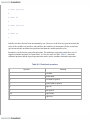
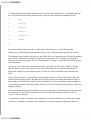
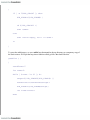
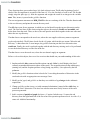
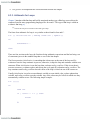
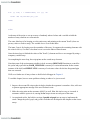
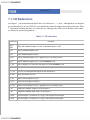
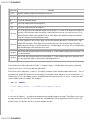
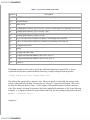
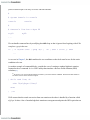
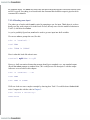
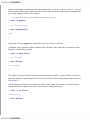
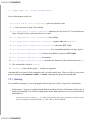
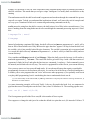
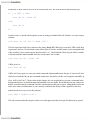
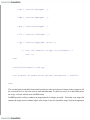
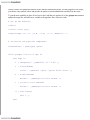
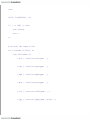
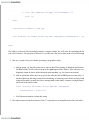
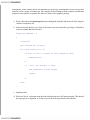
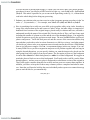
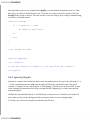
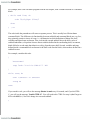
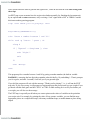
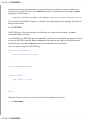
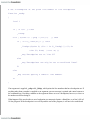
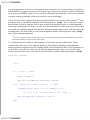
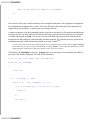
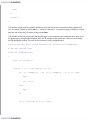
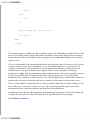
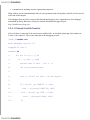
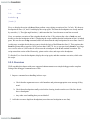
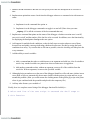
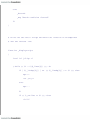
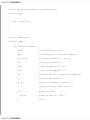
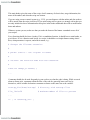
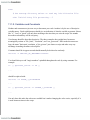
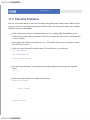
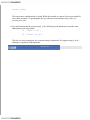
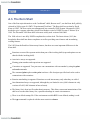
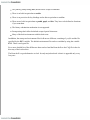
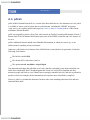
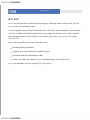
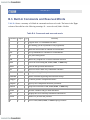
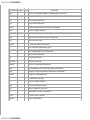
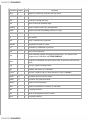
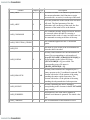
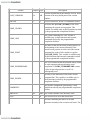
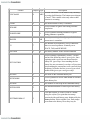
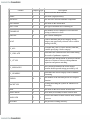
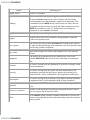
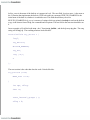
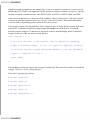
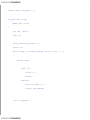
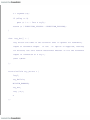
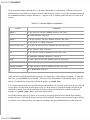
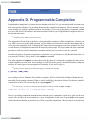
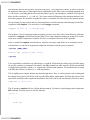
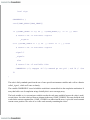
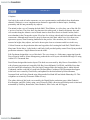
We'll call this script fileinfo . Here's how it works: