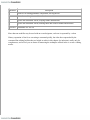
1
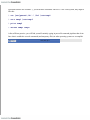
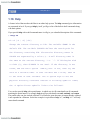
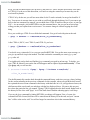
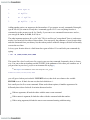
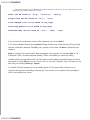
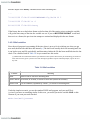
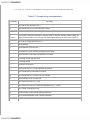
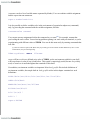
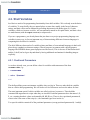
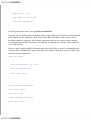
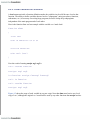
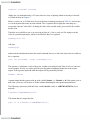
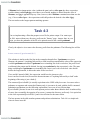
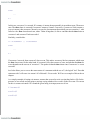
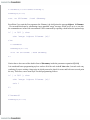
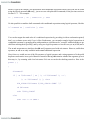
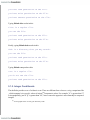
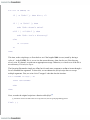
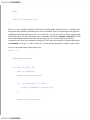
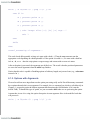
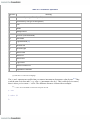
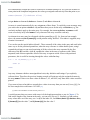
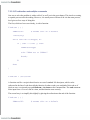
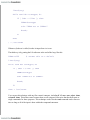
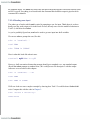
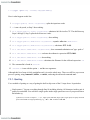
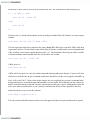
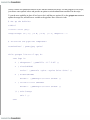
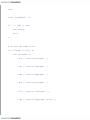
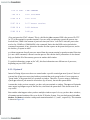
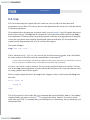
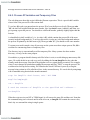
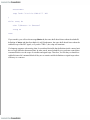
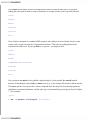
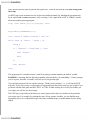
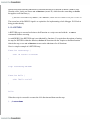
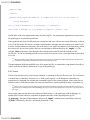
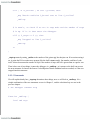
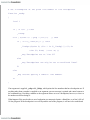
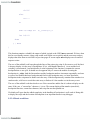
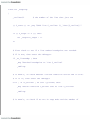
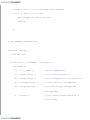
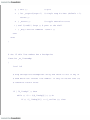
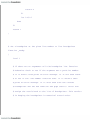
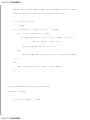
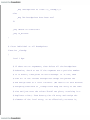
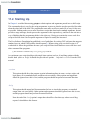
then the output of the history command would look something like:
...
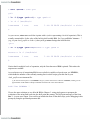
78 04/11/26 17:14:05 HISTTIMEFORMAT="%y/%m/%d %T "
79 04/11/26 17:14:08 ls -l
80 04/11/26 17:14:09 history
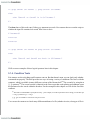
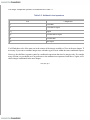
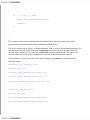
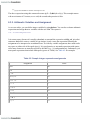
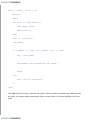
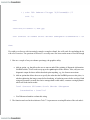
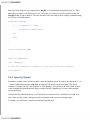
If the history has never had a date format set before then all of the entries prior to setting the variable
will get the time stamp of the time the variable was set. If you set HISTTIMEFORMAT to null and
then set it to a format, the previous time stamps are retained and displayed in the new format.
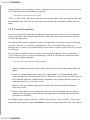
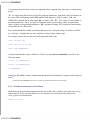
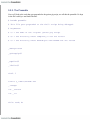
3.4.2.2 Mail variables
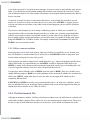
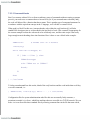
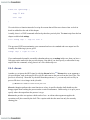
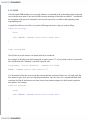
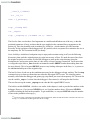
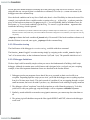
Since the mail program is not running all the time, there is no way for it to inform you when you get
new mail; therefore the shell does this instead.[11] The shell can't actually check for incoming mail, but
it can look at your mail file periodically and determine whether the file has been modified since the last
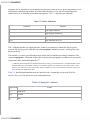
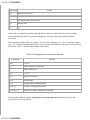
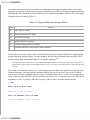
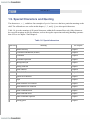
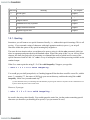
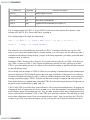
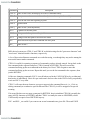
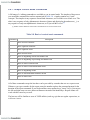
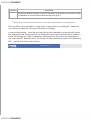
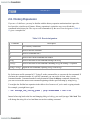
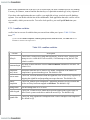
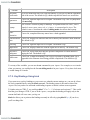
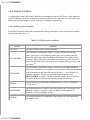
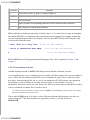
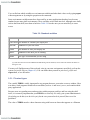
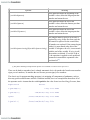
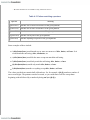
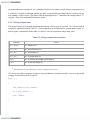
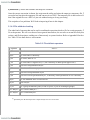
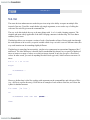
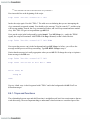
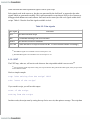
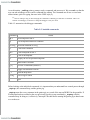
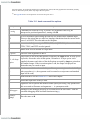
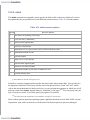
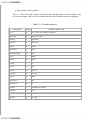
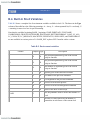
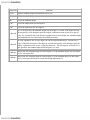
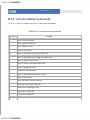
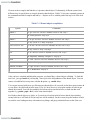
check. The variables listed in Table 3-6 let you control how this works.
[11]
BSD UNIX users should note that the biff command on those systems does a better job of informing you about new
mail; while bash only prints "you have new mail" messages right before it prints command prompts, biff can do so at
any time.
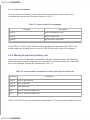
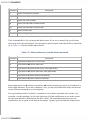
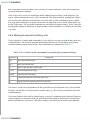
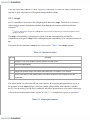
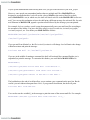
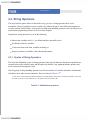
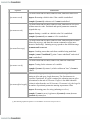
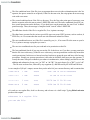
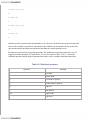
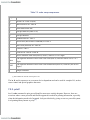
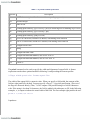
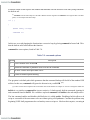
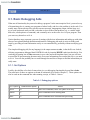
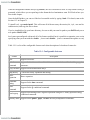
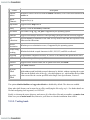
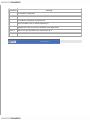
Table 3-6. Mail variables
Variable
MAIL
Meaning
Name of file to check for incoming mail
MAILCHECK How often, in seconds, to check for new mail (default 60 seconds)
MAILPATH
List of filenames, separated by colons (:), to check for incoming mail
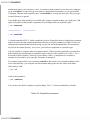
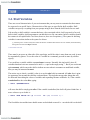
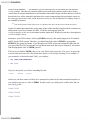
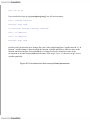
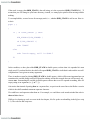
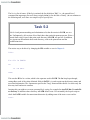
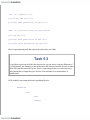
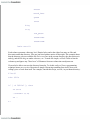
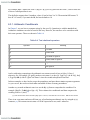
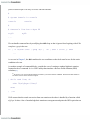
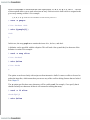
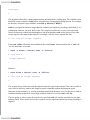
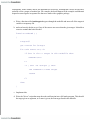
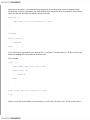
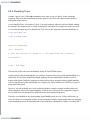
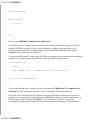
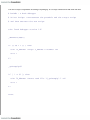
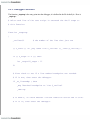
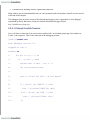
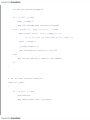
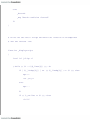
Under the simplest scenario, you use the standard UNIX mail program, and your mail file is
/usr/mail/yourname or something similar. In this case, you would just set the variable MAIL to this
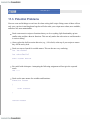
filename if you want your mail checked:
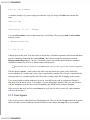
MAIL=/usr/mail/yourname