1
WireXpert - User Manual
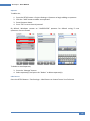
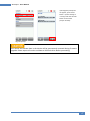
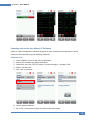
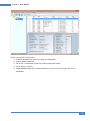
To view saved results,
1.
2.
3.
4.
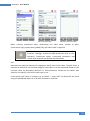
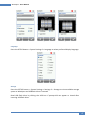
Press the “DATA” button.
Select “Copper” or “Fiber” and press the “View” button.
Select the test results click “View” to view results.
Select the next page for more results.
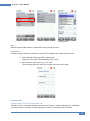
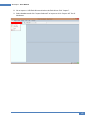
To delete a saved result,
1.
2.
3.
4.
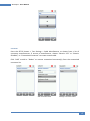
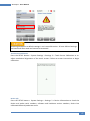
Press the “DATA” button.
Select “Copper” or “Fiber” and press the “View” button.
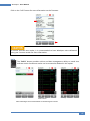
Press the “Manage” button.
Select result(s) and press the “Delete” to delete result(s).
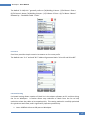
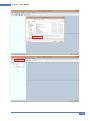
To rename a saved result,
1.
2.
3.
4.
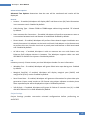
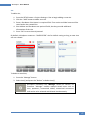
Press the “DATA” button.
Select “Copper” or “Fiber” and press the “View” button.
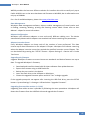
Press the “Manage” button.
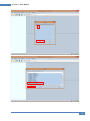
Select result and press the “Rename” to rename result.
47