1
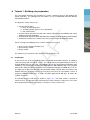
General
T
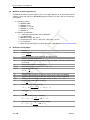
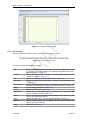
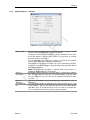
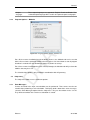
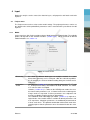
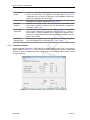
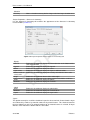
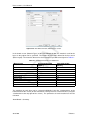
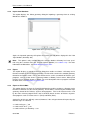
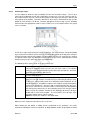
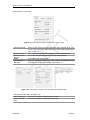
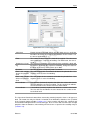
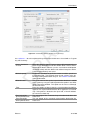
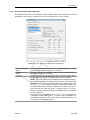
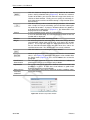
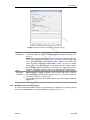
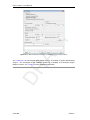
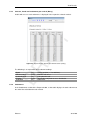
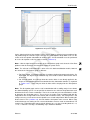
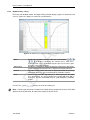
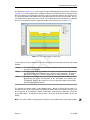
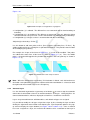
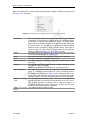
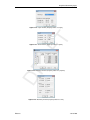
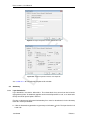
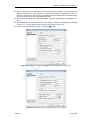
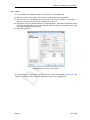
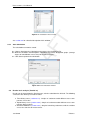
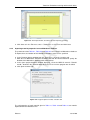
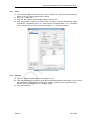
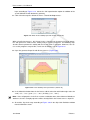
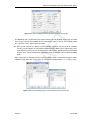
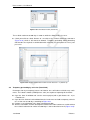
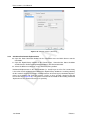
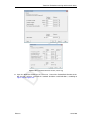
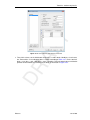
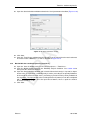
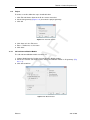
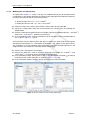
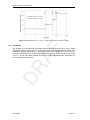
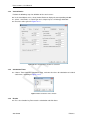
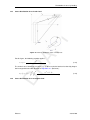
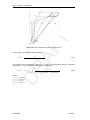
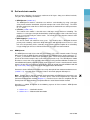
Program Options – General
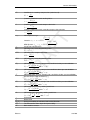
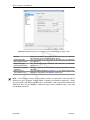
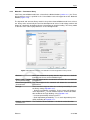
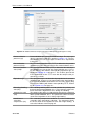
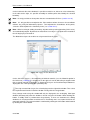
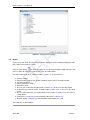
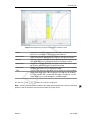
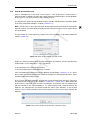
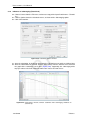
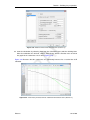
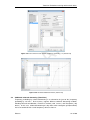
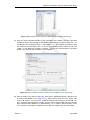
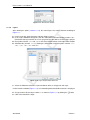
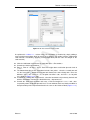
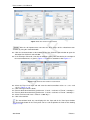
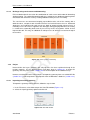
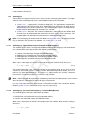
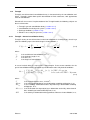
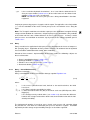
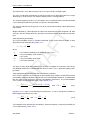
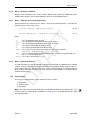
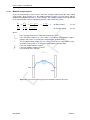
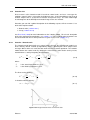
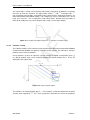
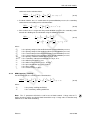
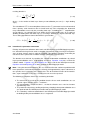
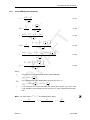
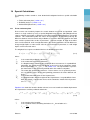
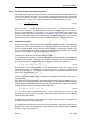
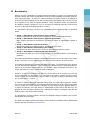
Figure 3.3: Program Options window, General tab
DR
AF
3.2.2
Start-up with
Save on
Calculation
Halt on
Warnings
Use Enter key
to
Deltares
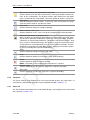
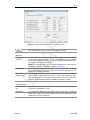
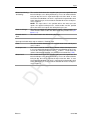
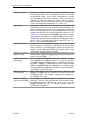
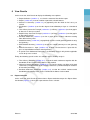
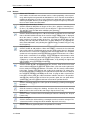
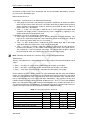
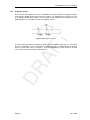
Click one of these toggle buttons to determine whether a project should
be opened or initiated when the program is started.
No project: Each time D-S ETTLEMENT is started, the buttons in the toolbar or the options in the File menu must be used to open an existing
project or to start a new one.
Last used project: Each time D-S ETTLEMENT is started, the last project
that has been worked on is opened automatically.
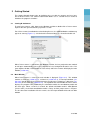
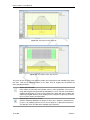
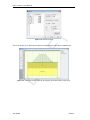
New project: A new project is created. The user is offered three options
at the start up of D-S ETTLEMENT: New geometry, New geometry wizard
and Import geometry.
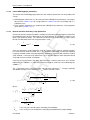
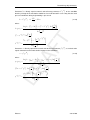
NOTE: The Start-up with option is ignored when D-S ETTLEMENT is
started by double-clicking on an input file.
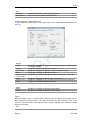
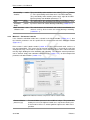
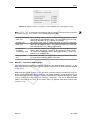
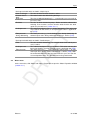
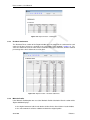
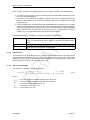
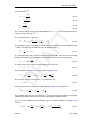
The toggle buttons determine how input data is saved prior to calculation. The input data can either be saved automatically, using the same
file name each time, or a file name can be specified each time the data
is saved.
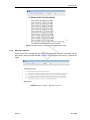
Unmark this checkbox to prevent pausing the calculation in case of
warnings.
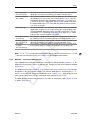
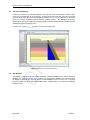
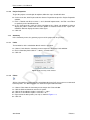
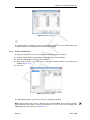
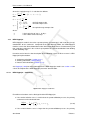
Use the toggle buttons to determine the way the Enter key is used
in the program: either as an equivalent of pressing the default button
(Windows-style) or to shift the focus to the next item in a window (for
users accustomed to the DOS version(s) of the program).
23 of 290