1
D-S ETTLEMENT, User Manual
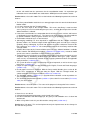
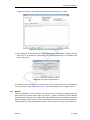
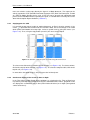
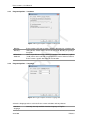
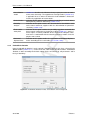
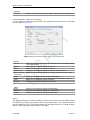
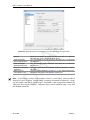
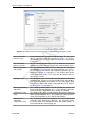
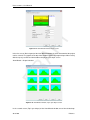
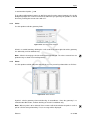
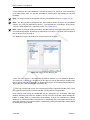
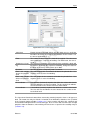
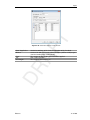
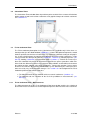
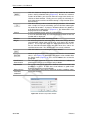
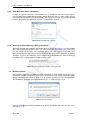
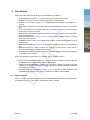
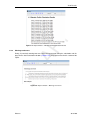
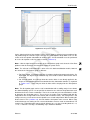
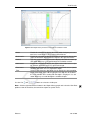
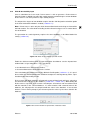
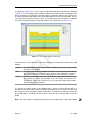
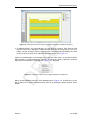
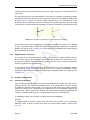
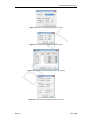
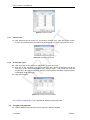
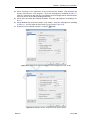
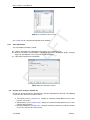
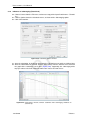
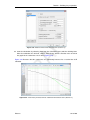
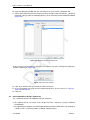
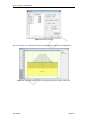
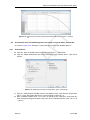
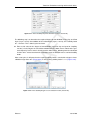
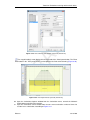
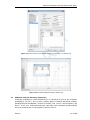
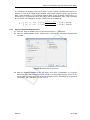
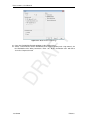
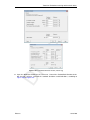
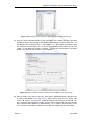
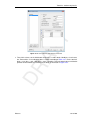
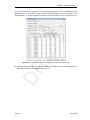
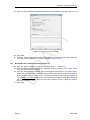
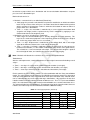
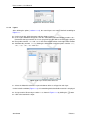
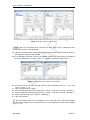
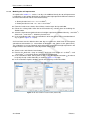
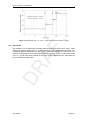
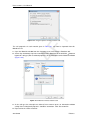
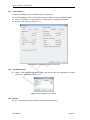
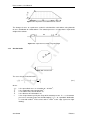
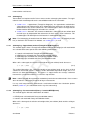
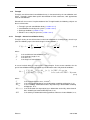
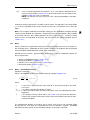
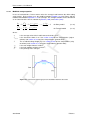
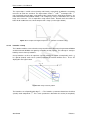
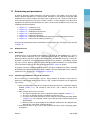
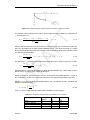
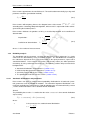
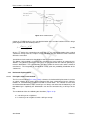
Figure 4.25: Confirm window for deleting used points
Import PL-line
DR
AF
4.3.9
T
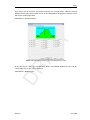
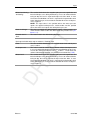
When Yes is clicked, all layer boundaries and/or PL-lines using the point will also be deleted.
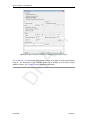
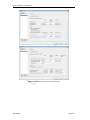
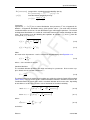
Every change made using this window (Figure 4.24) will only be displayed in the underlying
View Input window (Geometry tab) after closing this window using the OK button. When
this button is clicked, a validity check is performed on the geometry. Any errors encountered
during this check are displayed in a separate window. These errors must be corrected before
you can close this window using the OK button. Of course, it is always possible to close the
window using the Cancel button, but this will discard all changes.
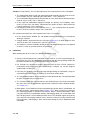
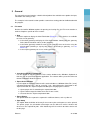
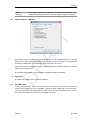
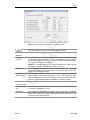
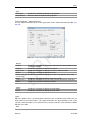
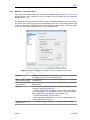
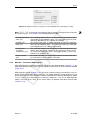
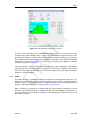
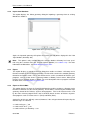
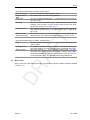
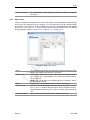
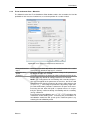
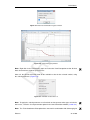
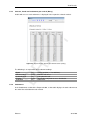
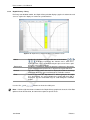
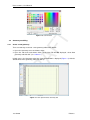
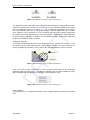
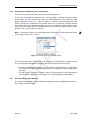
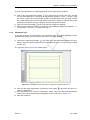
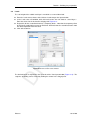
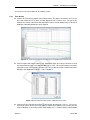
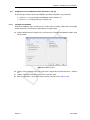
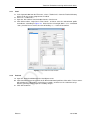
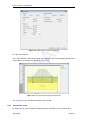
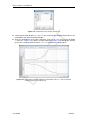
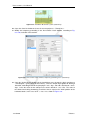
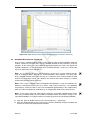
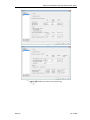
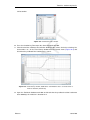
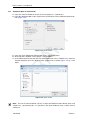
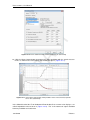
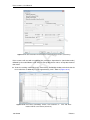
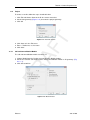
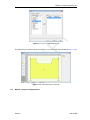
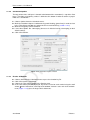
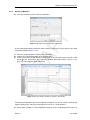
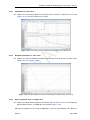
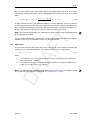
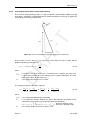
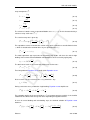
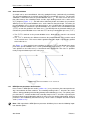
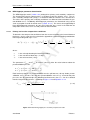
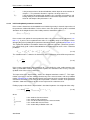
Use this option to display the Import PL-line dialog for importing a Piezometric Level (PL) line
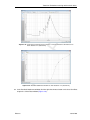
from an existing MPL file. Such file is made using the WATEX program of Deltares: in tab
Head-Location Plot, click on the button “Export...” and fill in a file name in the “Export Water
Pressure Line” window.
4.3.10
PL-lines
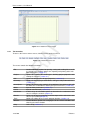
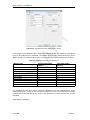
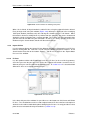
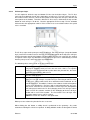
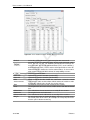
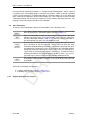
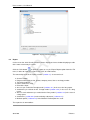
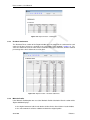
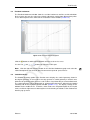
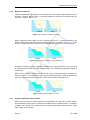
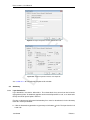
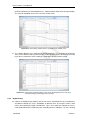
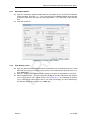
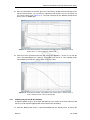
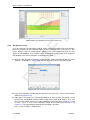
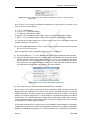
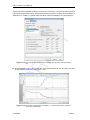
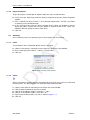
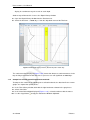
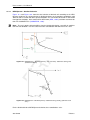
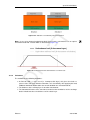
Use this option to add or edit Piezometric Level lines (PL-lines) to be used in the geometry.
A PL-line represents the pore pressures in the soil. A project can contain several PL-lines as
different soil layers can have different piezometric levels. In section 4.3.13 it is described how
different PL-lines are assigned to different layers.
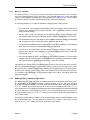
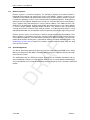
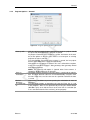
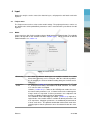
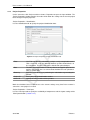
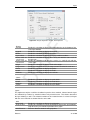
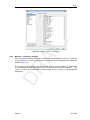
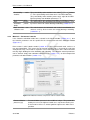
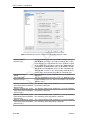
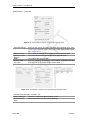
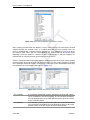
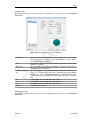
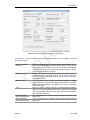
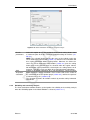
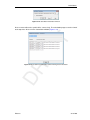
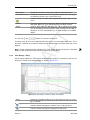
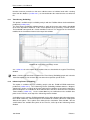
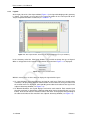
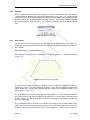
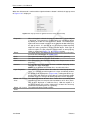
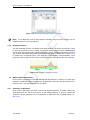
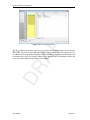
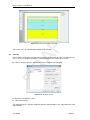
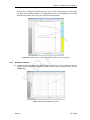
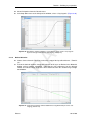
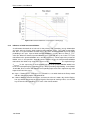
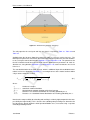
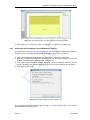
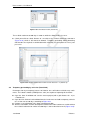
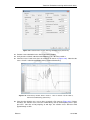
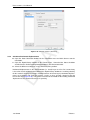
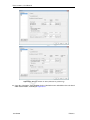
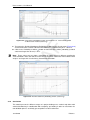
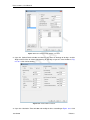
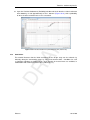
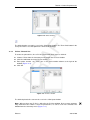
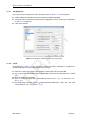
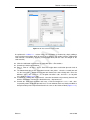
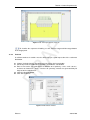
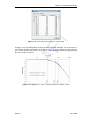
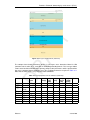
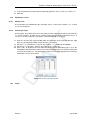
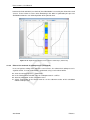
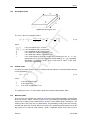
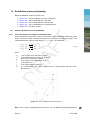
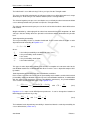
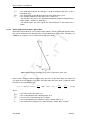
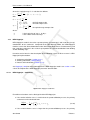
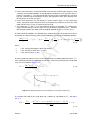
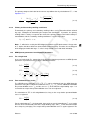
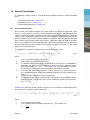
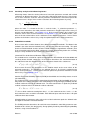
Figure 4.26: PL-Lines window
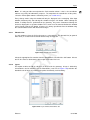
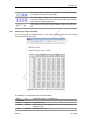
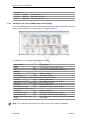
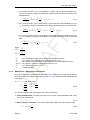
In the lower left part of the window, it is possible to use the buttons to Add, Insert and Delete
PL-lines. The selection box can be used to navigate between PL-lines that have already been
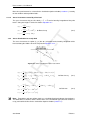
defined.Use the table to add/edit the points identifying the PL-lines. It is only possible to select
points that are not attached to layer boundaries (section 4.3.12).
52 of 290
Deltares