1
Next Generation®
Inventory Control
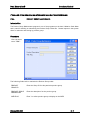
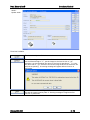
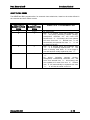
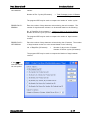
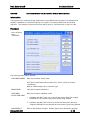
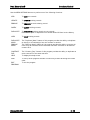
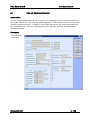
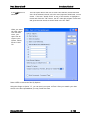
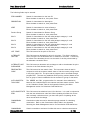
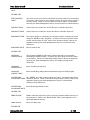
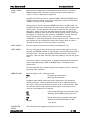
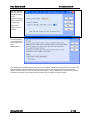
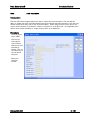
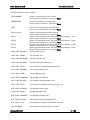
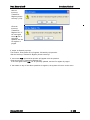
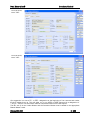
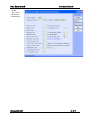
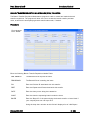
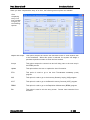
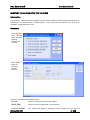
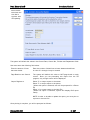
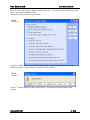
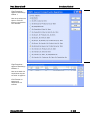
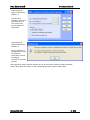
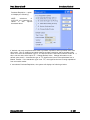
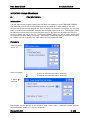
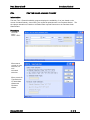
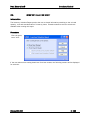
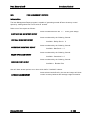
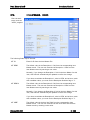
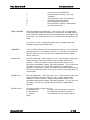
Menu options:
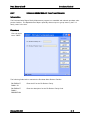
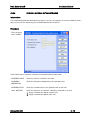
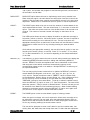
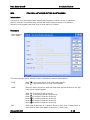
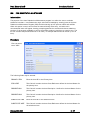
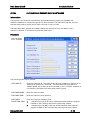
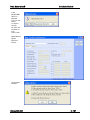
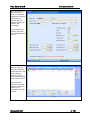
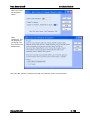
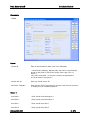
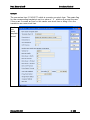
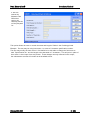
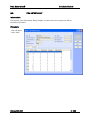
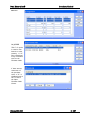
This is used to Update fields in a record.
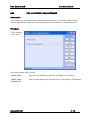
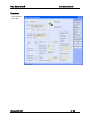
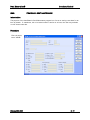
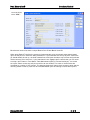
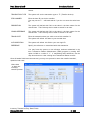
This is used to query items.
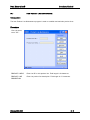
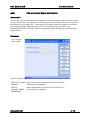
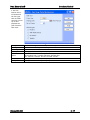
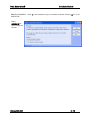
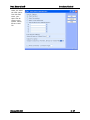
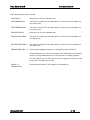
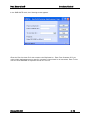
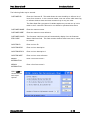
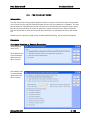
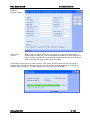
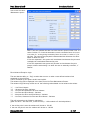
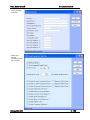
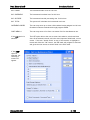
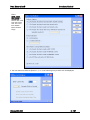
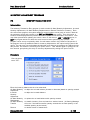
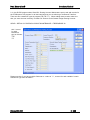
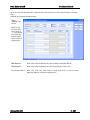
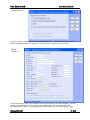
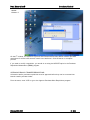
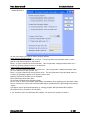
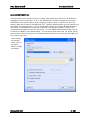
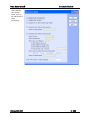
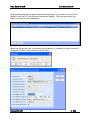
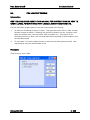
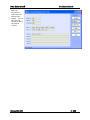
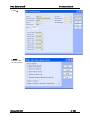
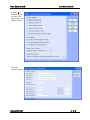
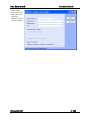
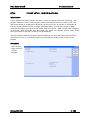
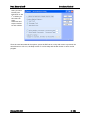
You can select groups of items by using the product group, ISAC codes, item ID
or the Description 1 fields. You can utilize the Next Generation " w ildcard" and
" from / thru" features. The " Allow ed on Web" field must have a value of ' Y'
(item allow ed to be sold on the Web) or ' N' (item not allow ed to be sold on the
Web). The program actually updates the active_item field in the item table. A
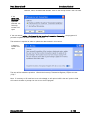
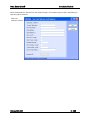
selection w indow w ill open to allow you to enter your criteria.
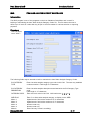
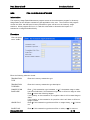
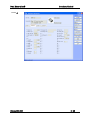
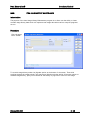
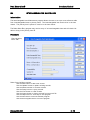
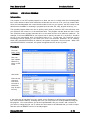
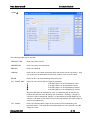
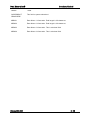
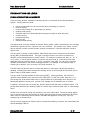
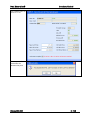
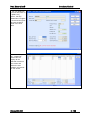
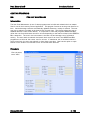
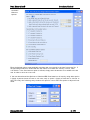
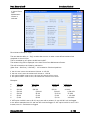
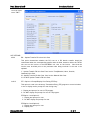
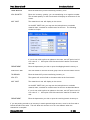
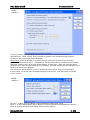
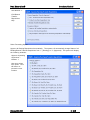
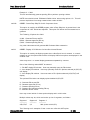
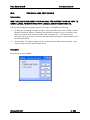
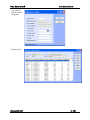
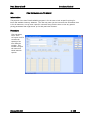
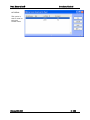
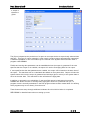
This is used to List all the records in a list format (one line per record) if multiple
programs w ere chosen.
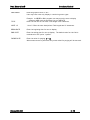
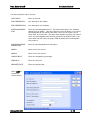
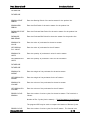
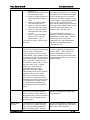
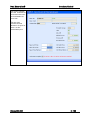
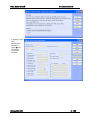
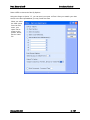
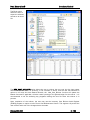
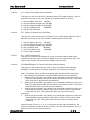
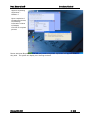
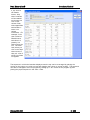
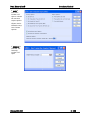
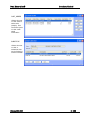
This is used to product a report of all the items selected. The output can be
directed to the screen, printer or hold file.
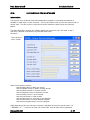
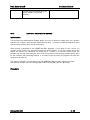
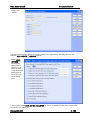
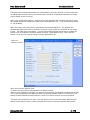
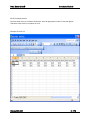
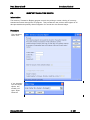
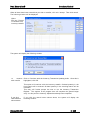
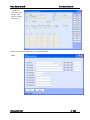
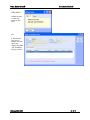
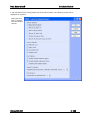
This function is used to import items f rom a spreadsheet.
This is used to access the help files.
This is used to execute (or run) another program w ithout exiting the current
program.
This is used to Exit the program.
Release NGS-6.30
IC- 52