1
OPERATION
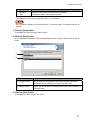
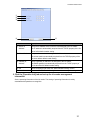
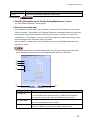
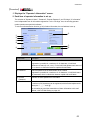
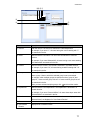
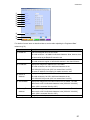
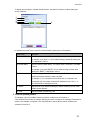
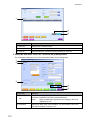
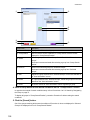
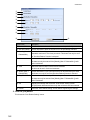
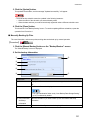
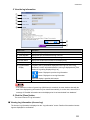
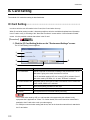
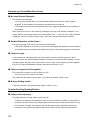
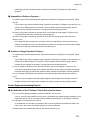
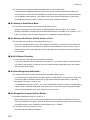
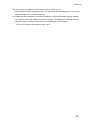
5. View the log information.
①
②
③
④
⑤
⑥
⑦
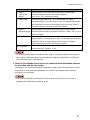
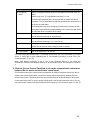
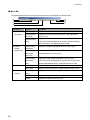
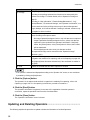
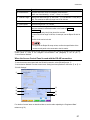
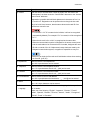
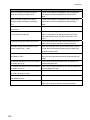
Screen Item
Description
① Category
Displays the log category.
② Time and Date
Displays the time and date that the log occurred.
③ Reader ID
Displays the ID of iris readers related to the log.
④ Reader Name
Displays the Reader Name related to the displayed log.
⑤ Detailed
Displays the details of the log information.
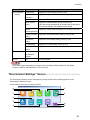
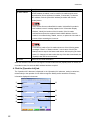
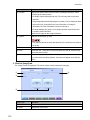
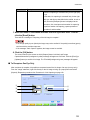
⑥ Log Information
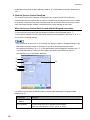
In regard to the log information displayed in the "Log List" of the "Log
Display
Information" screen, information about the n-th log is displayed with [Total
Number of Logs being Displayed/Log List].
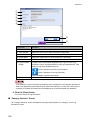
button: Displays the previous log information.
button: Displays the next log information.
Sequential display is possible with buttons.
⑦ Close
The screen returns to "Log Information".
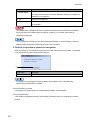
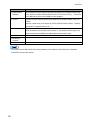
・If the maximum number of system logs (5000 items) is recorded, the most obsolete data with the
date of the displayed log information may be deleted automatically. In such a case, there will be a
message of “Detailed information cannot be displayed as it has been deleted from database”.
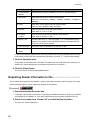
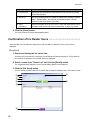
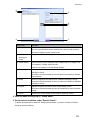
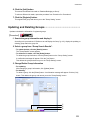
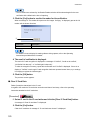
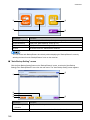
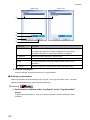
6. Click the [Close] button.
The screen returns to "Log Information".
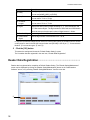
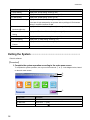
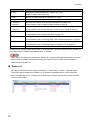
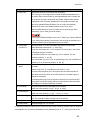
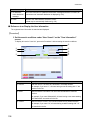
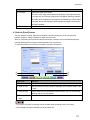
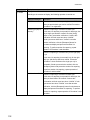
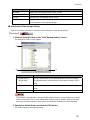
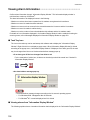
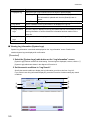
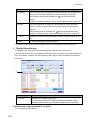
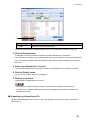
■ Viewing Log Information (Access Log)
The Access Log information is displayed on the “Log Information” screen. Details of the searched access
logs are displayed for confirmation.
163