1
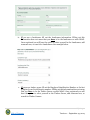
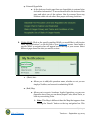
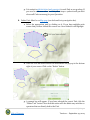
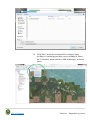
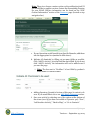
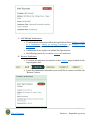
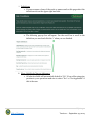
f. A success banner will populate the top of the screen once you have
completed adding the Operator.
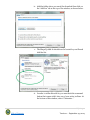
i. Note: This Operator can now be selected via the “Search”
function for future NOAPS. For this action see “Add Existing
Operator” section.
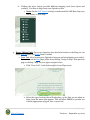
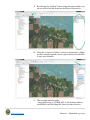
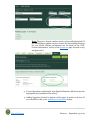
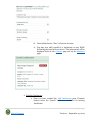
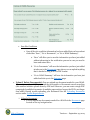
g. Once the Operator has been added the information will be
displayed both on the specific Activity page and on the Summary
page under the appropriate Activity heading.
ii. Replace Operator: Once an Operator has been added to an Activity you can replace
him/her at any point in time.
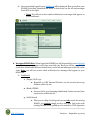
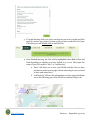
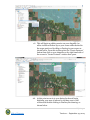
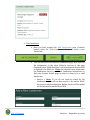
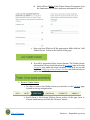
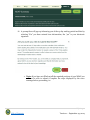
1. Locate Summary page by clicking the “Summary” button on the top
navigation bar.
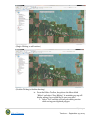
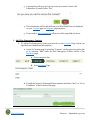
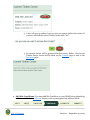
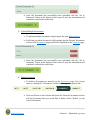
2. Scroll down to Units/Activities/Operators section and find the Activity that
the Operator you would like to replace pertains to.
55 | P a g e
Table of Contents
Version 1 – September 25, 2014