1
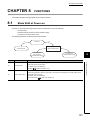
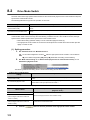
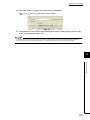
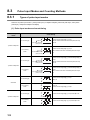
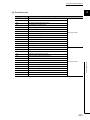
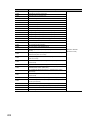
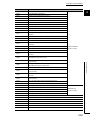
MANUAL PAGE ORGANIZATION
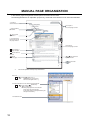
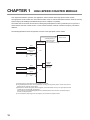
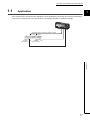
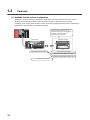
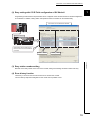
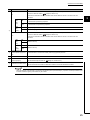
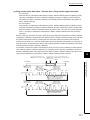
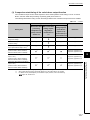
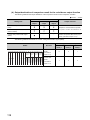
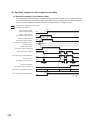
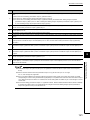
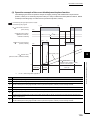
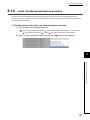
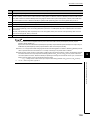
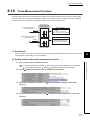
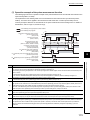
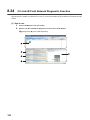
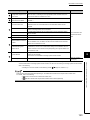
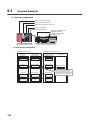
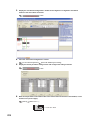
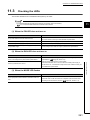
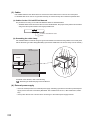
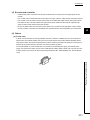
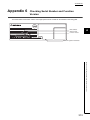
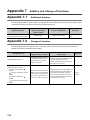
In this manual, pages are organized and the symbols are used as shown below.
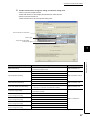
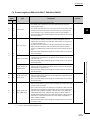
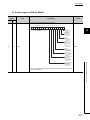
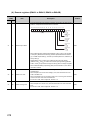
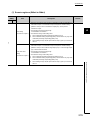
The following illustration is for explanation purpose only, and should not be referred to as an actual documentation
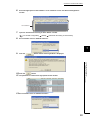
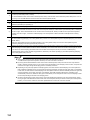
"" is used for
screen names and items.
The chapter of
the current page is shown.
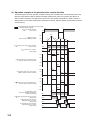
shows operating
procedures.
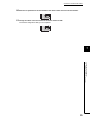
shows mouse
operations.*1
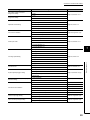
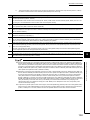
[ ] is used for items
in the menu bar and
the project window.
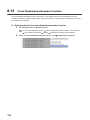
The section of
the current page is shown.
Ex. shows setting or
operating examples.
shows reference
manuals.
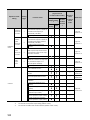
shows notes that
requires attention.
shows
reference pages.
shows useful
information.
*1
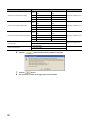
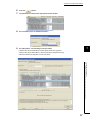
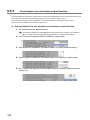
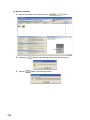
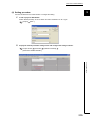
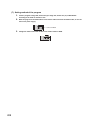
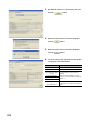
The mouse operation example is provided below.
Menu bar
Ex.
[Online]
[Write to PLC...]
Select [Online] on the menu bar,
and then select [Write to PLC...].
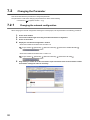
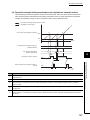
A window selected in the view selection area is displayed.
Ex.
[Parameter]
Project window
[PLC Parameter]
Select [Project] from the view selection
area to open the Project window.
In the Project window, expand [Parameter] and
select [PLC Parameter].
View selection area
12