1
2.3.3
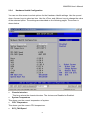
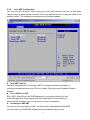
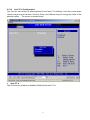
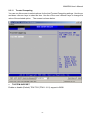
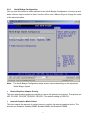
Super I/O Configuration
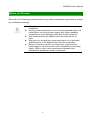
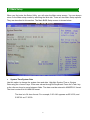
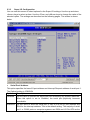
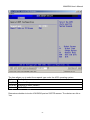
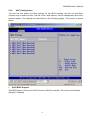
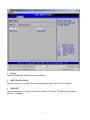
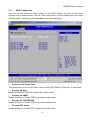
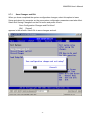
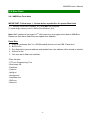
You can use this screen to select options for the Super I/O settings. Use the up and down
<Arrow> keys to select an item. Use the <Plus> and <Minus> keys to change the value of the
selected option. The settings are described on the following pages. The screen is shown
below.
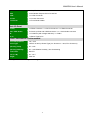
y Serial Port1 Address
This option specifies the base I/O port address and Interrupt Request address of serial port 1.
The Optimal setting is 3F8/IRQ4.
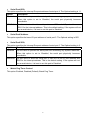
Option
Description
Disabled
Set this value to prevent the serial port from accessing any system resources.
When this option is set to Disabled, the serial port physically becomes
unavailable.
3F8/IRQ4 Set this value to allow the serial port to use 3F8 as its I/O port address and
IRQ4 for the interrupt address. This is the default setting. The majority of serial
port 1 or COM1 ports on computer systems use IRQ4 and I/O Port 3F8 as the
48