1
 SHENZHEN SPEEDLEADER TECHNOLOGY CO.,LTD.
LED Video Processor
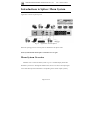
②Set sending cards
Set relevant parameters of the three sending cards respectively so that the three
video walls can work separately. For detailed operation of the sending cards, please
refer to instruction manual provided by the sending card manufacturer.
③
Set output resolution
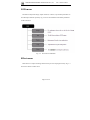
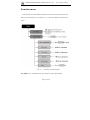
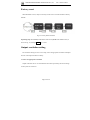
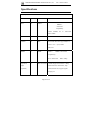
Select the output resolution of the DVX802 to 1280*1024 and press WIN SIZE key
in the FUNCTION key area to adjust the resolution of the OUTPUT #1-#3 to
1270*896.
④
Select signal source
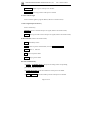
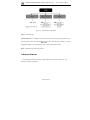
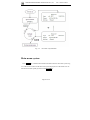
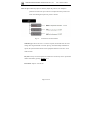
Select signal sources of the DVX802 and choose the same input source for the 3
output channels.
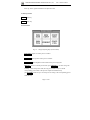
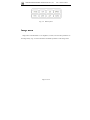
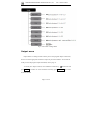
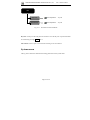
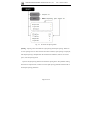
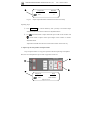
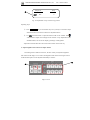
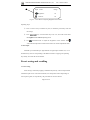
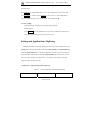
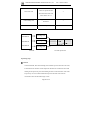
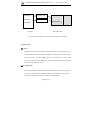
⑤Set splicing menu of DVX802
Output
#1
Output
#2
Splice:
Equal
Splice:
Equal
H splice unit: 3
H splice unit: 3
V splice unit:
1
V splice unit:
1
Splice pos:
1
Splice pos:
2
Page 41 of 50