1
•
•
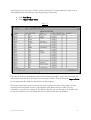
Click Staff
Click Full Details
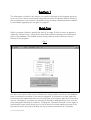
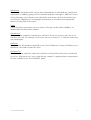
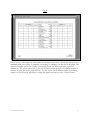
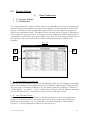
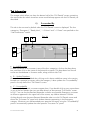
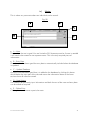
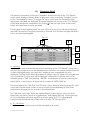
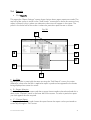
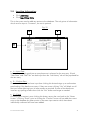
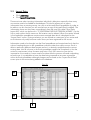
The “Full Details” screen shows all the information on each individual held on the
database.
Fig. 4
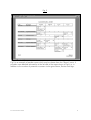
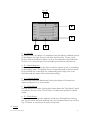
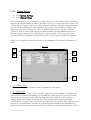
The top half of the screen shows key personal information relating to the individual, with
the bottom half showing a series of tabs holding further information. Clicking on the
various tab heading brings that information to the front to view or edit. The various tabs
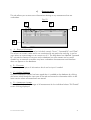
are :Succeeded By
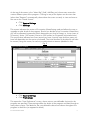
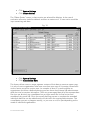
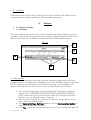
This holds the names of the people who could take over from the individual shown in the
top half of the screen. The potential successors can be classified into the four categories
specified on the “User Preferences” screen (Fig.3). A new successor is added by selecting
their name from the appropriate red drop-down box and clicking the “Update Database”
button, which is denoted by a red asterix (¹). As new successors are added, then the
summary panel on the right in the top half of the screen is updated to reflect the number of
potential successors within each category.
Succession WizardTM 2004
7