1
Standard O/I Functions
7.1.2
Screen Elements
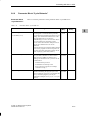
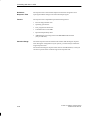
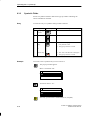
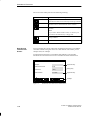
Screens on the C7 are made up of various screen elements. Some examples
are listed below.
S Fixed texts
S Semigraphic characters
S Input fields for process values
S Output fields for process values
S Bars
S Curves
S Symbolic graphics
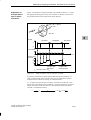
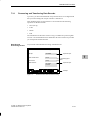
We will use the mixing station of the fruit juice plant to show you the various
screen elements.
Screen Elements
of the Sample
Screen
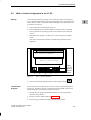
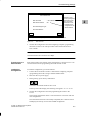
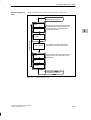
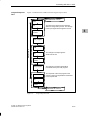
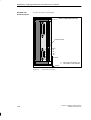
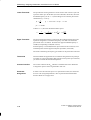
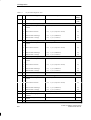
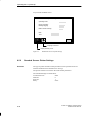
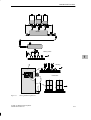
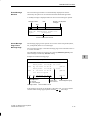
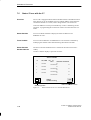
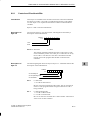
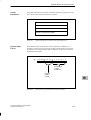
The screen might look something like this:
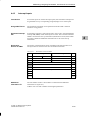
Mixing Station
Ingredients (in l)
1
7
Tank 1
Tank 2
Tank 3
2
3
4
Amount in
the mixer
(in l)
5
Valve 4
6
4
Valve 4
open
Valve 4
closed
7
Mixer
motor
on
Mixer
motor
off
Selection
main screen
Selection
bottling station
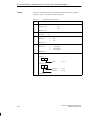
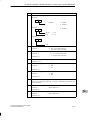
1
Fixed text
2
Semigraphic (corresponding to tank)
3
Bar shows filling level of the tank graphically.
4
Symbolic input field to open and close the valve
5
Symbolic graphic shows the status of the valve (that is, open or closed)
6
Numeric output field
7
Icons for the softkey functions
Figure 7-2
7-4
4
Figure 7–2Sample Screen for a Mixing Station
C7-626 / C7-626 DP Control Systems
C79000-G7076-C627-01