1
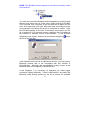
STEP 3
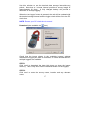
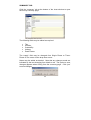
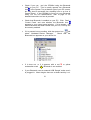
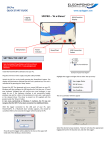
Select ‘1 phase’ or ‘3 phase’ to match the survey supply type.
NOTE: If the supply type is set to 3 phase, PowerPackPro will
assume a balanced load condition. See page 7 for more details on
making 3 phase measurements.
STEP 4
Enter the supply voltage as a phase to neutral value. If the survey
was carried out on a 3 phase 3 wire system (where no neutral is
present) it is necessary to enter the value from phase to earth.
STEP 5
Select a load type, or enter the power factor of the load if known.
STEP 6
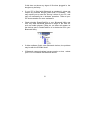
If an additional CT was used its ratio can be entered at this point.
STEP 7
Select a tariff from the drop down menu for use in cost calculations.
NOTE: PowerPackPro is pre-loaded with default single rate and
day/night tariffs. Other tariffs may be added by the user (see page
26).
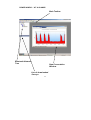
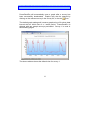
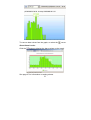
Click ‘finish’ to open a graph showing the survey results
18