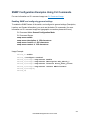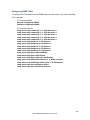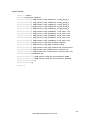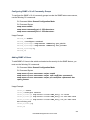
1
Configuring the IST Network Diameter
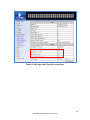
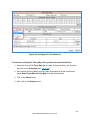
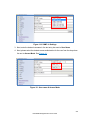
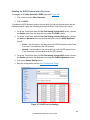
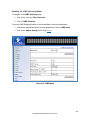
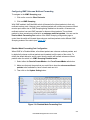
To navigate to the STP/Ring MSTP Properties page:
1. Click on the + next to STP/Ring.
2. Click on MSTP Properties.
In the MSTP protocol, the Max Hops parameter is used for the IST (Internal Spanning Tree)
and the MSTI (Multiple Spanning Tree Instance) topology as a hop count limit on how far the
Spanning Tree protocol packet can propagate inside of a MSTP Region, therefore, it must
be configured with a value that is greater than the network diameter of the IST/MSTI
topology. The Max Hops parameters should be configured correctly on the CIST Root and
the Backup CIST Root switch and on all of the Boundary switches of a MSTP Region (if
there are multiple Regions within your MSTP network).
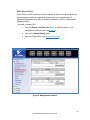
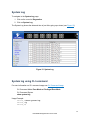
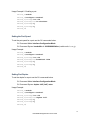
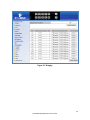
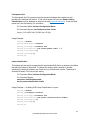
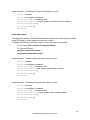
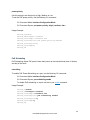
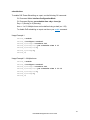
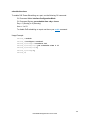
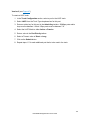
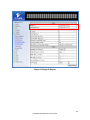
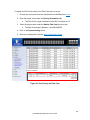
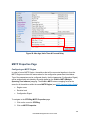
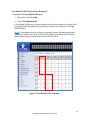
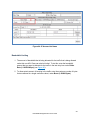
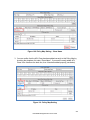
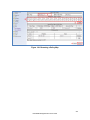
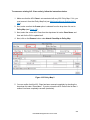
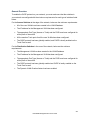
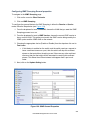
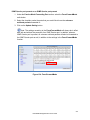
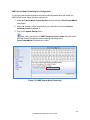
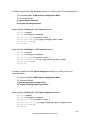
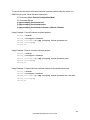
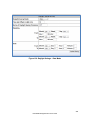
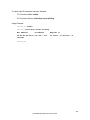
Follow the steps below to configure the Max Hops parameter:
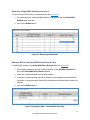
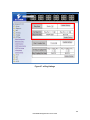
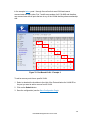
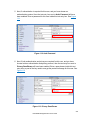
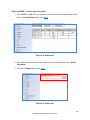
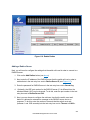
1. Enter the desired hop count in the text entry box next to Max Hops
2. Click on the Update Setting button (see below).
3. Save the configuration (see the Save Configuration Page)
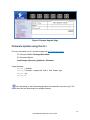
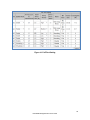
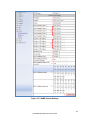
Figure 60: MSTP Properties – Max Hops
150
EtherWAN Managed Switch Users Guide