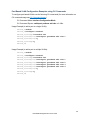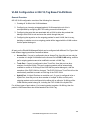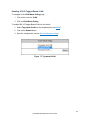
1
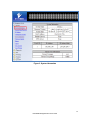
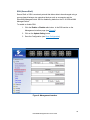
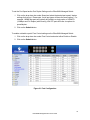
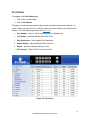
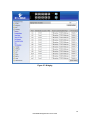
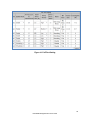
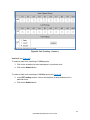
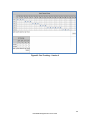
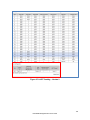
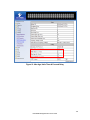
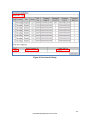
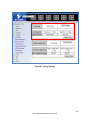
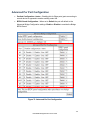
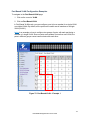
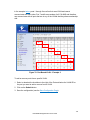
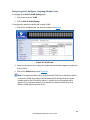
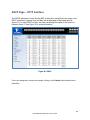
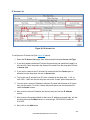
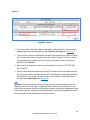
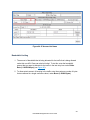
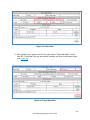
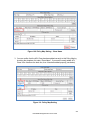
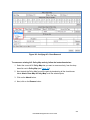
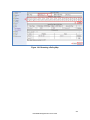
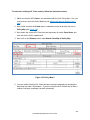
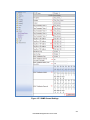
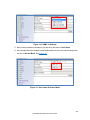
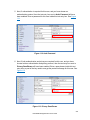
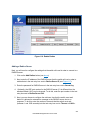
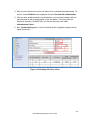
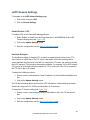
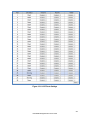
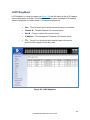
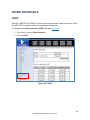
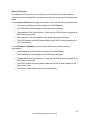
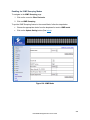
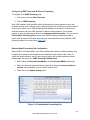
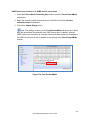
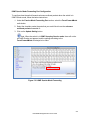
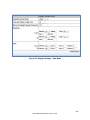
PORT Configuration To navigate to the Configuration page: 1. Click on the + next to Port. 2. Click on Configuration. Port configuration contains such useful features as flow control, port speed, and duplex settings. Some users will find these settings very valuable such as when the switch is connect to a latency-critical device such as a VOIP phone or IP camera or video multiplexor. In these cases and others the ability to alter the port settings can make the difference between a poorly responding device and one that functions without loss of data or clarity. .The Configuration page shows (see Figure 21): Port Number – fe(n) for 100mb ports and ge(n) for Gigabit ports Link Status – Operational State of the Port’s Link (Read-Only) Port Description – User-supplied Port Description Admin Setting – Administratively Enable or Disable the Port. Speed – Speed and Duplex Settings for Port. Flow Control – State of Flow Control for the Port. To provide a description to a port on the EtherWAN Managed Switch: 1. Click in the Description text box for the appropriate port. 2. Type in the description of the port. 3. Click on the Submit button. To enable or disable a port on the EtherWAN Managed Switch: 1. Click on the drop-down box under Admin Setting and select either Link Up or Link Down. 2. Click on the Submit button. 69 EtherWAN Managed Switch Users Guide