1
Aging Time
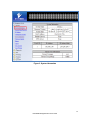
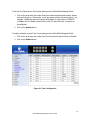
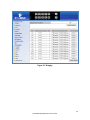
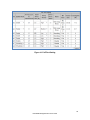
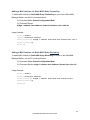
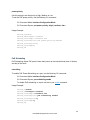
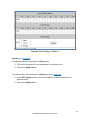
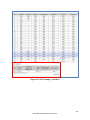
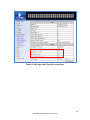
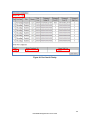
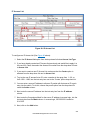
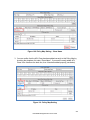
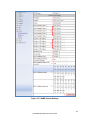
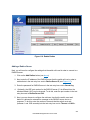
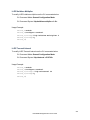
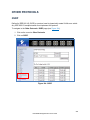
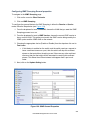
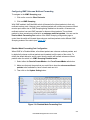
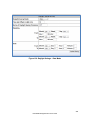
The Aging Time value is a global value and represents the time that a networked device’s
MAC address will live in the switch’s memory before being removed. The default value is
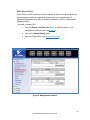
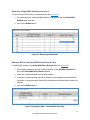
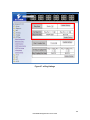
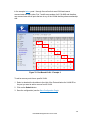
300s (5 minutes) (see Figure 27).
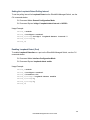
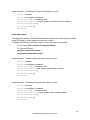
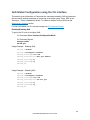
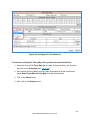
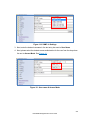
To update the Aging Time value on the EtherWAN Managed Switch:
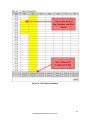
1. Click in the Error Disable Recovery text box at the top of the Port Security DynamicMAC page.
2. Type in the desired value. Values can be from 0 to 65535 seconds. A value of 0
indicates that the port is not to return to normal operating condition until an
administrator resets the port or the switch is restarted.
3. Click on the Update Setting button.
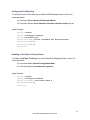
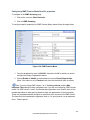
Threshold Level
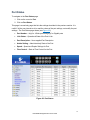
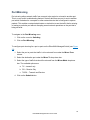
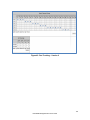
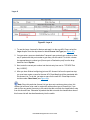
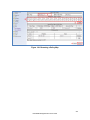
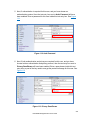
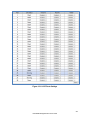
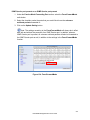
The Threshold Level setting is a per port value. A traffic storm occurs when packets flood
the LAN, creating excessive traffic and degrading network performance. The traffic storm
control feature prevents LAN ports from being disrupted by a broadcast or multicast traffic
storm on physical interfaces. A Threshold is set to determine when the switch will react to
Broadcasts and/or Multicasts.
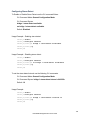
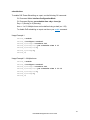
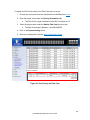
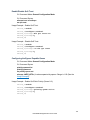
To set the Threshold level per port:
1. Type in the desired value. Values can be from 0.1 to 100. This value is a percentage
of allowable broadcast traffic for this port. Once this percentage of traffic is
exceeded, all broadcast traffic beyond this percentage is dropped.
2. Click on the Update Setting button.
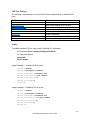
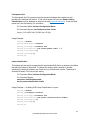
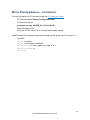
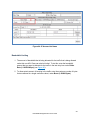
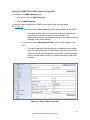
Storm Control Type
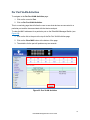
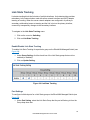
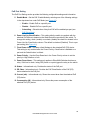
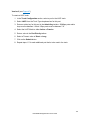
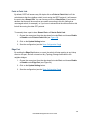
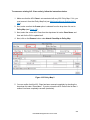
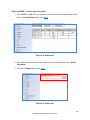
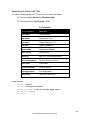
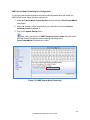
The Storm Control Enabled Type setting is a per port value. The Storm Control Enabled
Type allows users to determine the type of storm control to be used by the switch.
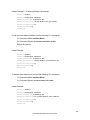
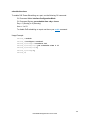
To set the Storm Control Enabled Type:
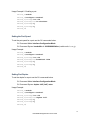
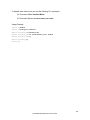
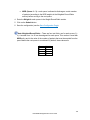
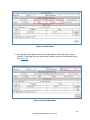
1. Select the check box next to Broadcast and/or DFL-Multicast for the port that
needs to be changed
2. Click on the Update Setting button.
82
EtherWAN Managed Switch Users Guide