1
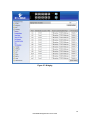
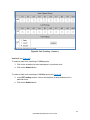
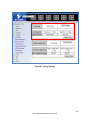
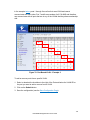
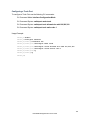
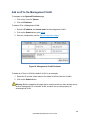
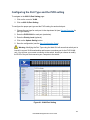
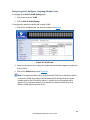
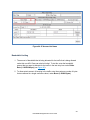
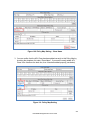
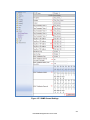
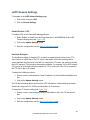
Global TLV Setting The global TLV (Time – Length – Value) settings are advertised by the switch to other LLDP devices. The TLVs supported by the EtherWAN Managed Switch are (see Figure 120): Port Description System Name System Description System Capabilities Management Address Port VLAN ID MAC/PHY Configuration/Status Port And Protocol VLAN ID VLAN Name Protocol Identity Power Via MDI Link Aggregation Maximum Frame Size To enable specific TLVs for the EtherWAN Managed Switch: 1. Select the check box for each TLV that is to be enabled or select the checkbox for the All option which will enable all TLVs for the switch. 2. Click on the Update Settings button. 3. Save the configuration (see the Save Configuration Page) 248 EtherWAN Managed Switch Users Guide