1
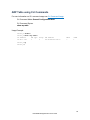
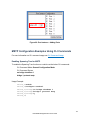
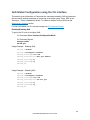
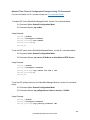
SNMP Configuration Examples Using CLI Commands
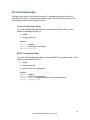
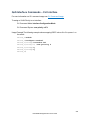
For more information on CLI command usage see CLI Command Usage.
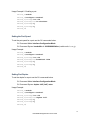
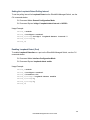
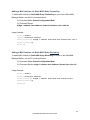
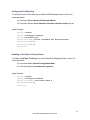
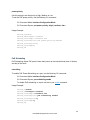
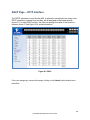
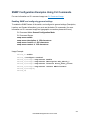
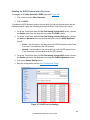
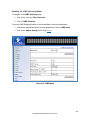
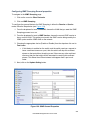
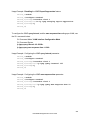
Enabling SNMP and configuring general settings
To enable the SNMP feature of the switch, and configure its general settings (Description,
Location, and Contact information), you must use the below CLI commands. (for more
information on CLI command usage and typographic conventions please click here):
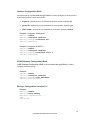
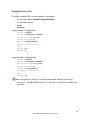
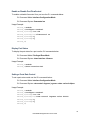
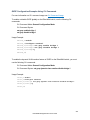
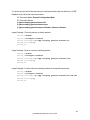
CLI Command Mode: General Configuration Mode
CLI Command Syntax:
snmp-server enable
snmp-server description <1 -256 characters>
snmp-server location <1 -256 characters>
snmp-server contact <1 -256 characters>
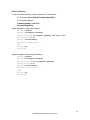
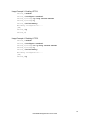
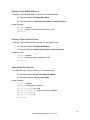
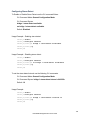
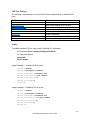
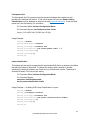
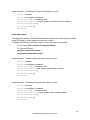
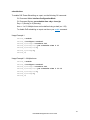
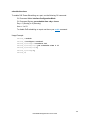
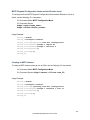
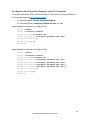
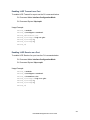
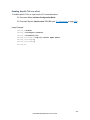
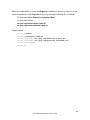
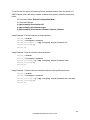
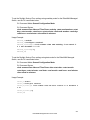
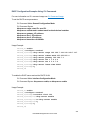
Usage Example:
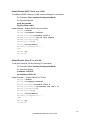
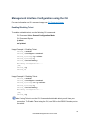
switch_a> enable
switch_a#configure terminal
switch_a(config)# snmp-server
switch_a(config)# snmp-server
switch_a(config)# snmp-server
switch_a(config)# snmp-server
switch_a(config)#q
switch_a#
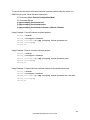
enable
description Hub_Switch_1
location First_Floor_Closet
contact Administrator
237
EtherWAN Managed Switch Users Guide