1
Windows GUI & Character-based Version 7.4 Installation Guide
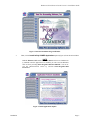
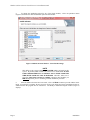
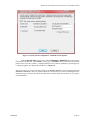
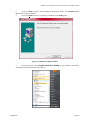
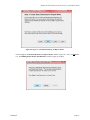
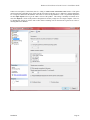
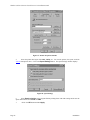
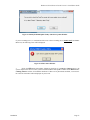
Figure 9 Ready to Install the Program Window
10.
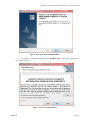
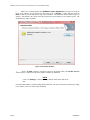
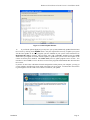
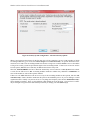
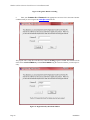
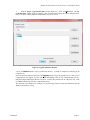
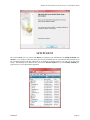
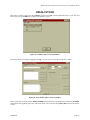
<Click> the Install button to continue with the installation. If you choose to continue, the Installation program will begin to transfer the files to the Destination Directory. The “Installing Infinity
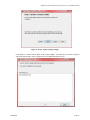
POWER for Windows” window (Figure 10) displays.
Figure 10 Installing Infinity POWER for Windows
Installation
Page 9