1
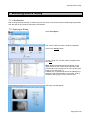
Working with a Study
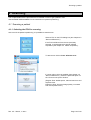
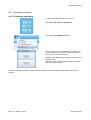
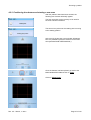
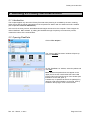
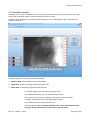
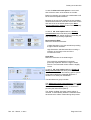
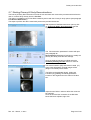
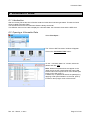
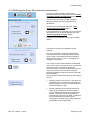
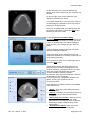
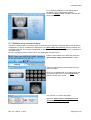
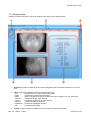
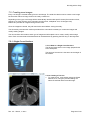
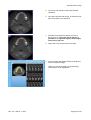
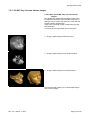
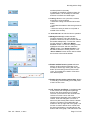
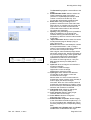
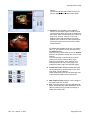
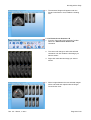
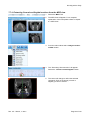
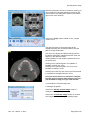
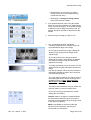
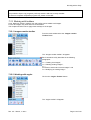
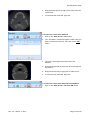
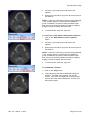
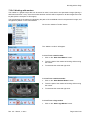
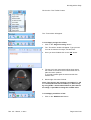
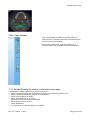
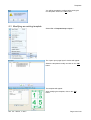
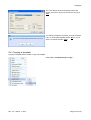
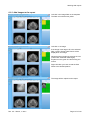
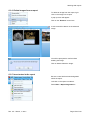
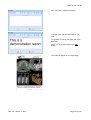
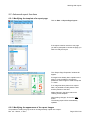
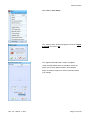
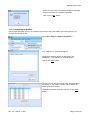
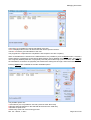
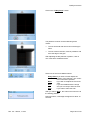
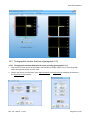
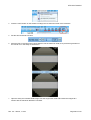
The “Profile toolbar” will appear.
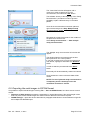
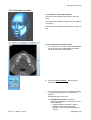
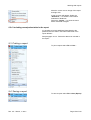
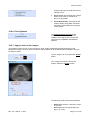
7.15.7.1 Apply a profile
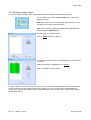
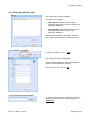
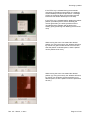
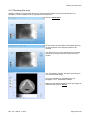
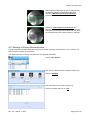
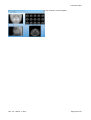
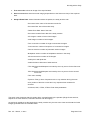
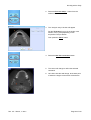
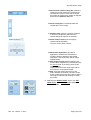
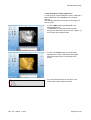
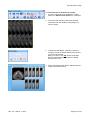
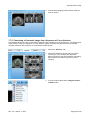
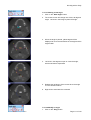
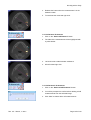
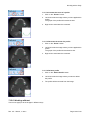
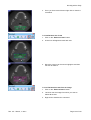
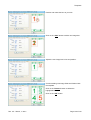
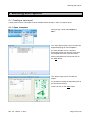
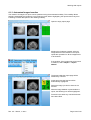
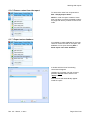
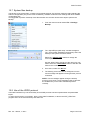
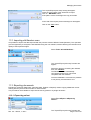
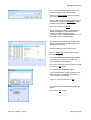
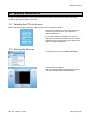
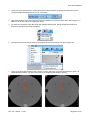
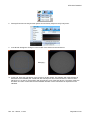
1. Click on the “New Profile” button.
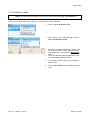
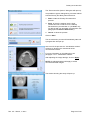
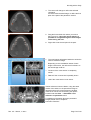
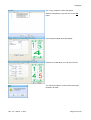
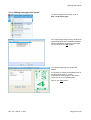
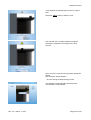
2. Left click inside an image, drag the line and left (or
right) click.
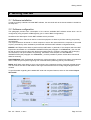
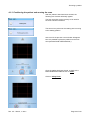
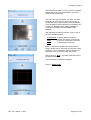
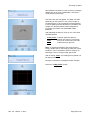
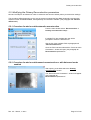
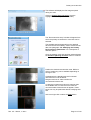
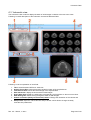
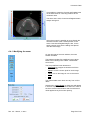
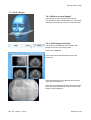
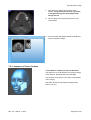
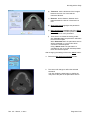
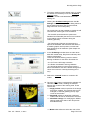
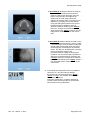
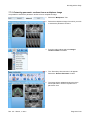
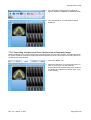
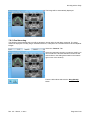
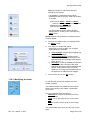
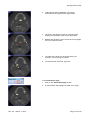
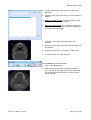
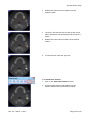
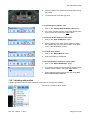
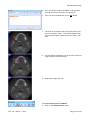
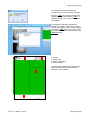
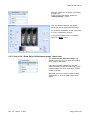
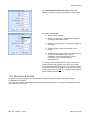
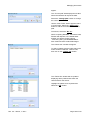
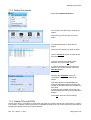
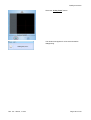
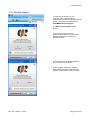
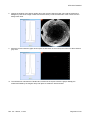
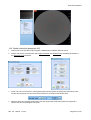
3. A window with the profile will appear. The red dot
represents the highest gray level point of the profile.
The green dot represents the lowest gray level point
of the profile.
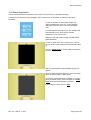
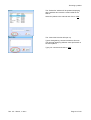
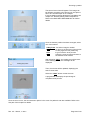
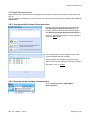
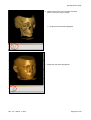
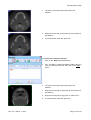
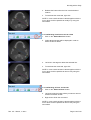
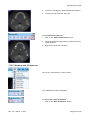
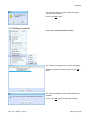
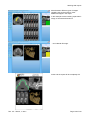
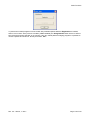
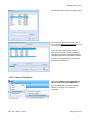
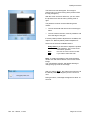
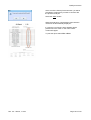
Click on the “Apply” button
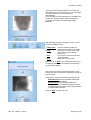
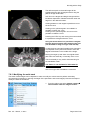
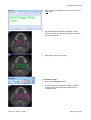
To amplify the graphic scale, click on “Stretch”
button as showed in figure.
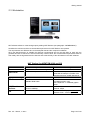
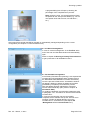
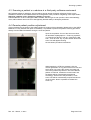
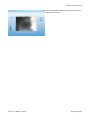
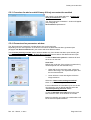
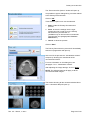
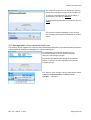
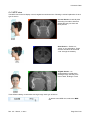
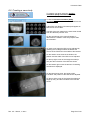
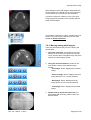
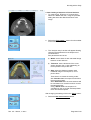
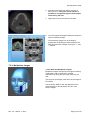
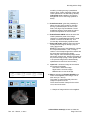
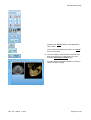
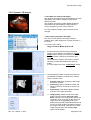
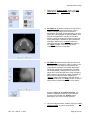
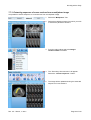
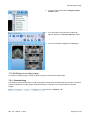
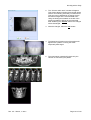
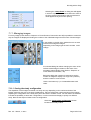
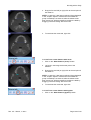
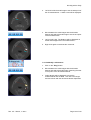
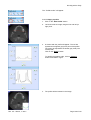
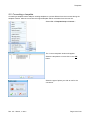
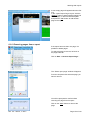
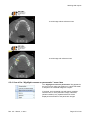
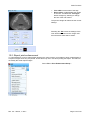
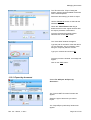
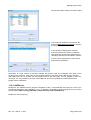
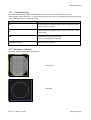
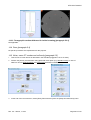
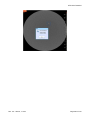
4. The profile will be inserted in the image.
st
Rev. 2.5 – March, 1 2011
Page 128 of 210