1
Managing documents
11.4 Delete Documents
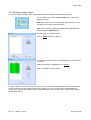
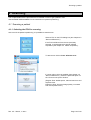
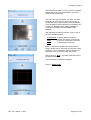
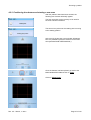
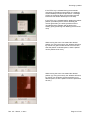
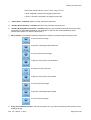
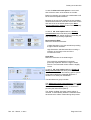
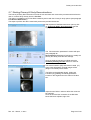
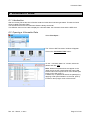
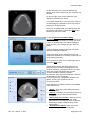
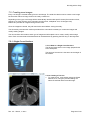
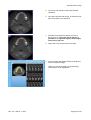
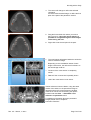
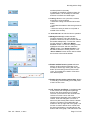
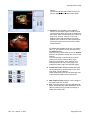
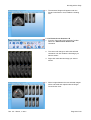
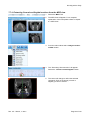
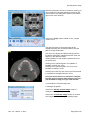
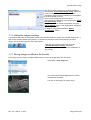
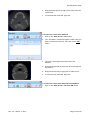
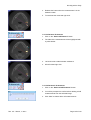
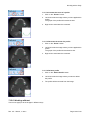
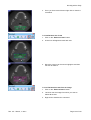
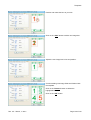
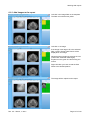
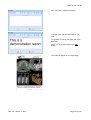
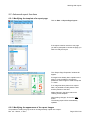
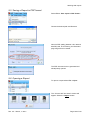
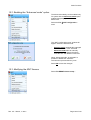
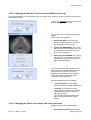
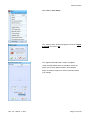
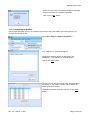
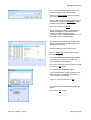
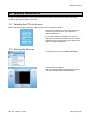
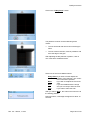
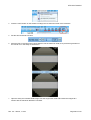
Select File → Delete Document
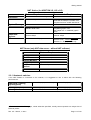
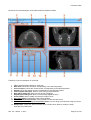
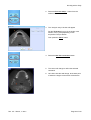
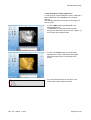
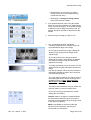
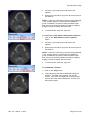
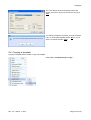
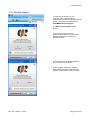
The “Choose NNT Document” window will
appear.
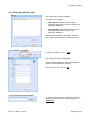
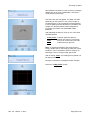
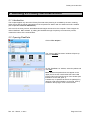
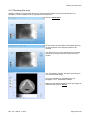
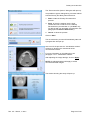
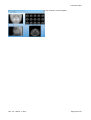
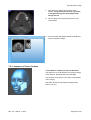
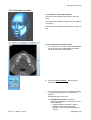
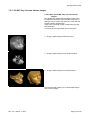
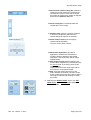
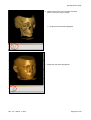
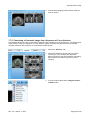
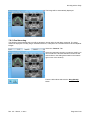
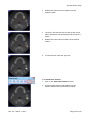
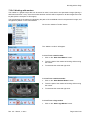
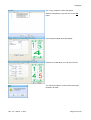
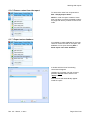
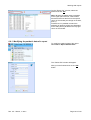
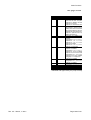
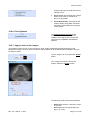
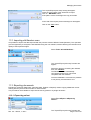
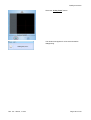
Select the type of document you wish to
delete.
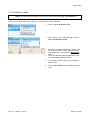
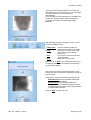
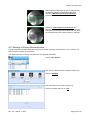
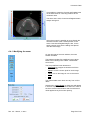
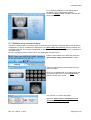
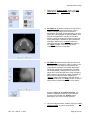
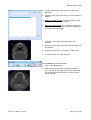
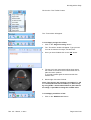
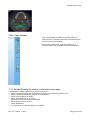
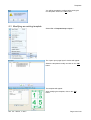
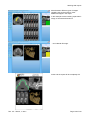
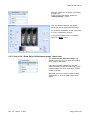
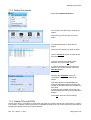
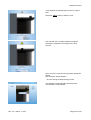
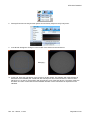
The selected document delete list will
appear.
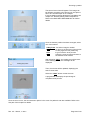
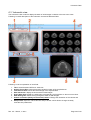
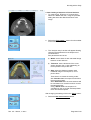
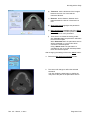
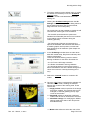
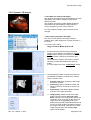
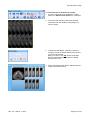
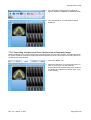
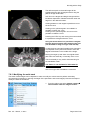
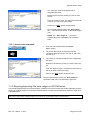
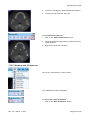
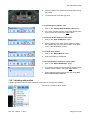
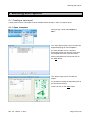
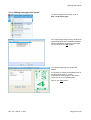
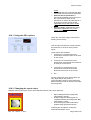
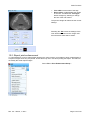
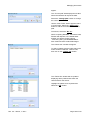
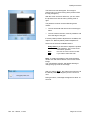
Select the document(s) you want to delete.
Use the “Select all” button to select all the
documents.
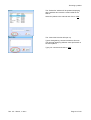
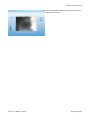
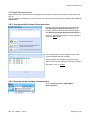
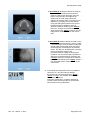
Once the document(s) has/have been
selected, click on the “OK” button
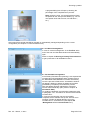
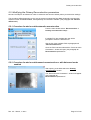
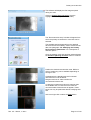
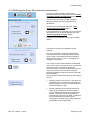
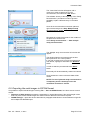
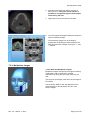
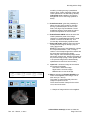
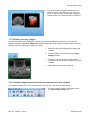
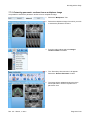
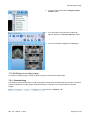
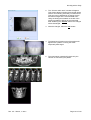
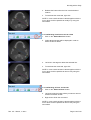
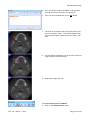
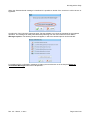
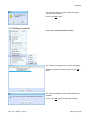
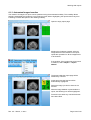
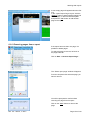
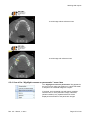
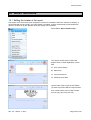
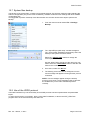
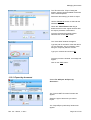
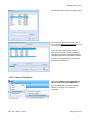
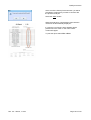
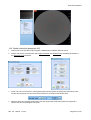
In case the selected document sare Raw
DataSolo the window will also include the
Autodeletebutton.
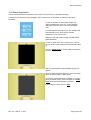
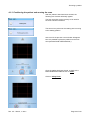
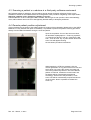
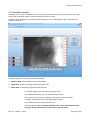
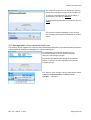
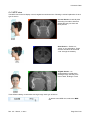
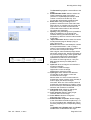
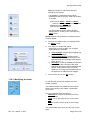
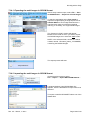
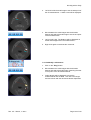
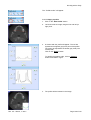
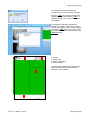
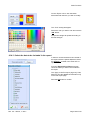
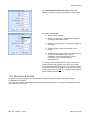
Selecting the Autodelete button the
“Autodelete configuration” window will
appear.
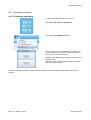
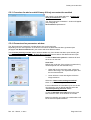
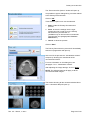
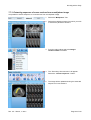
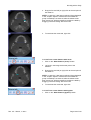
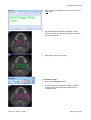
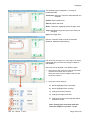
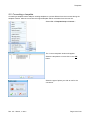
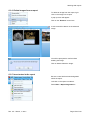
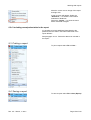
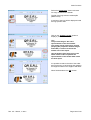
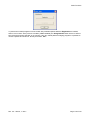
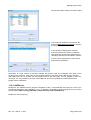
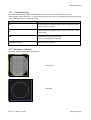
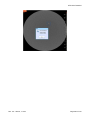
This dialog allows to enable/disable the
automatic RawData deletion and select the
number of days after which the raw data will
be erased.
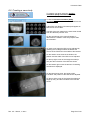
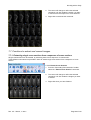
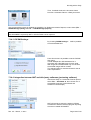
If enabled at the software start up the user
will be propmted to confirm the old document
deletion.
Press OK to store the current settings.
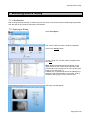
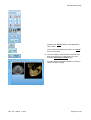
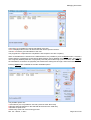
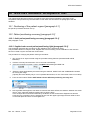
11.5 Create CDs and DVDs
Directly from NNT it is possible to create CDs and DVDs for archiving documents, share them or create a
Free Viewer: a software version that needs no installation and allows to use most of the NNT functionality for
analyzing the Studies stored in the same CD/DVD.
st
Rev. 2.5 – March, 1 2011
Page 183 of 210