1
X-ray Controller
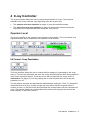
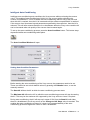
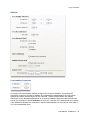
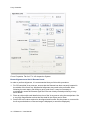
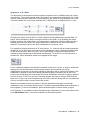
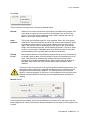
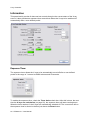
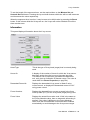
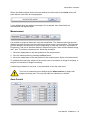
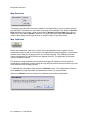
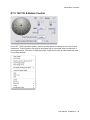
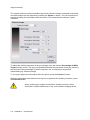
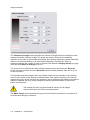
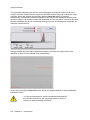
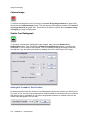
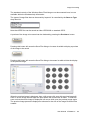
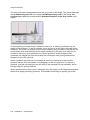
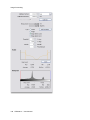
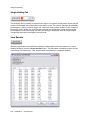
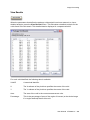
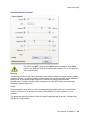
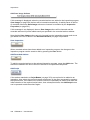
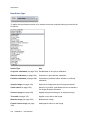
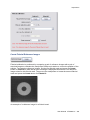
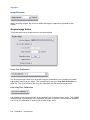
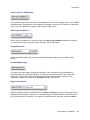
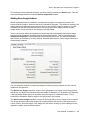
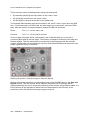
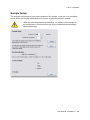
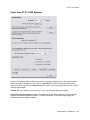
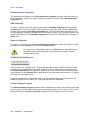
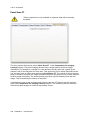
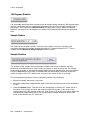
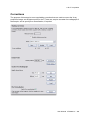
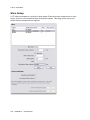
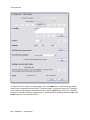
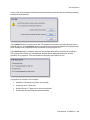
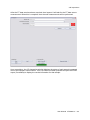
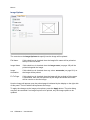
The Communications Port defines the serial communications port on the controlling
computer that is connected to the SR controller. The communications port is selected from
the drop down-menu, and the state of the communications link is reported in the box
immediately below.
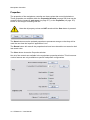
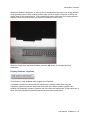
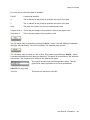
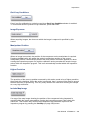
The Last Control field and the Last Status field display diagnostic information which
consists of the last control string to have been sent to the SR controller, and the last status
string received from the SR controller. The decoded command and status strings are shown
in the lower section of the tab.
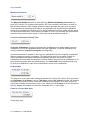
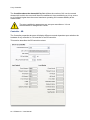
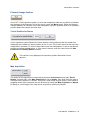
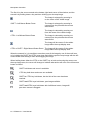
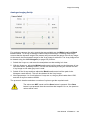
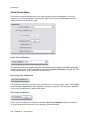
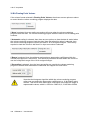
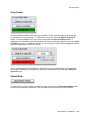
The SR3 uA Offset is used to control the offset between the demanded uA and the actual
uA returned. This value should be used only for SR3 controllers. SR4 controllers should have
this value set to zero and the offset should be corrected within the SR4 controller's
configuration.
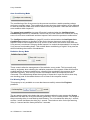
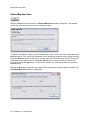
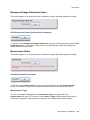
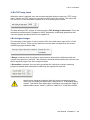
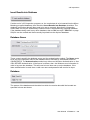
The SR3 uA Correction Time is used in the function that applies the SR3 uA Offset. This
value should be used only for SR3 controllers. The Correction Time is used to determine how
to apply the uA Offset.
If the actual uA value returned by the SR3 controller is greater than 0, then the corrected uA
value is set to the actual uA plus the uA Offset.
Else if the actual uA value returned by the SR3 controller is 0 and it is less than Correction
TIme seconds since the X-rays were switched on then the corrected uA value is set to 0,
otherwise the following is calculated.
Else if the actual uA value returned by the SR3 controller is 0 and demanded uA plus the uA
Offset is greater than zero, then the corrected uA value is set to 0.
Else if the actual uA value returned by the SR3 controller is 0 and demanded uA plus the uA
Offset is less than or equal to 0, then the corrected uA value is set to the demanded uA
value.
User Manual XTM026-A1 57