1
Image Processing
Creating a Multi-Point Shading Correction
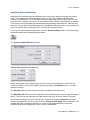
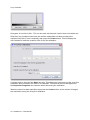
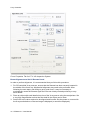
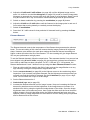
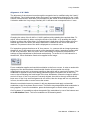
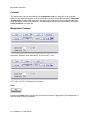
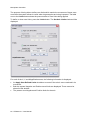
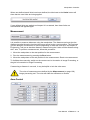
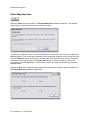
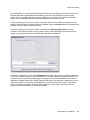
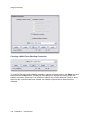
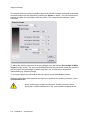
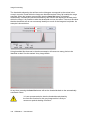
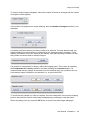
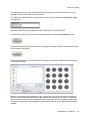
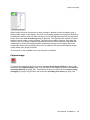
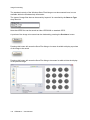
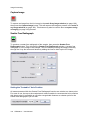
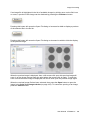
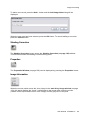
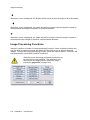
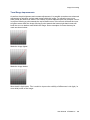
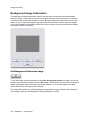
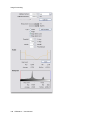
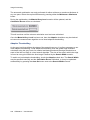
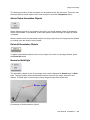
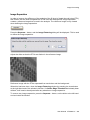
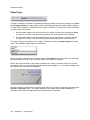
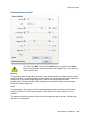
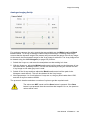
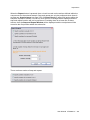
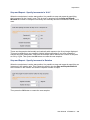
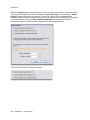
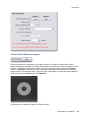
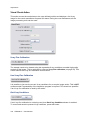
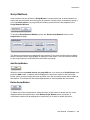
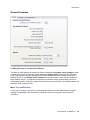
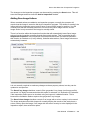
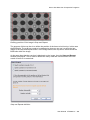
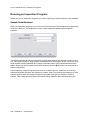
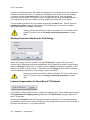
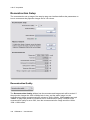
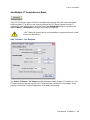
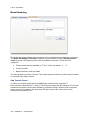
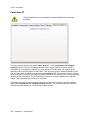
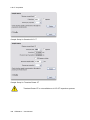
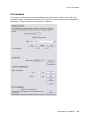
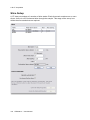
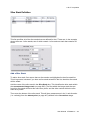
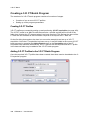
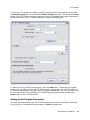
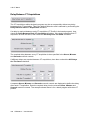
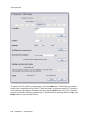
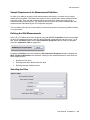
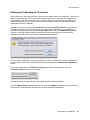
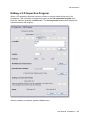
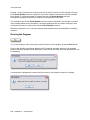
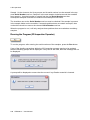
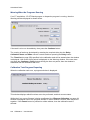
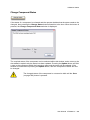
To create a new multi-point shading correction, type the required name in the Name box and
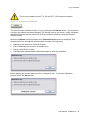
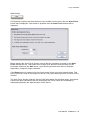
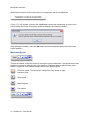
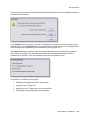
then press the Create button. A dialog will be displayed to request how many points this
shading correction should use. It is possible to specify any number between 2 and 12. Note
that once the correction has been created, the number of points that it uses cannot be
changed.
108 XTM026-A1 User Manual