1
3-D CT Batch
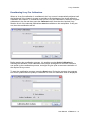
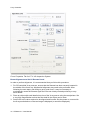
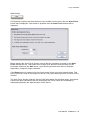
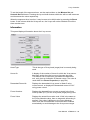
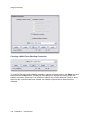
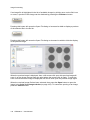
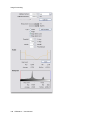
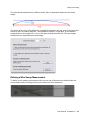
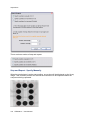
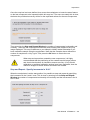
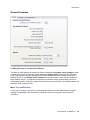
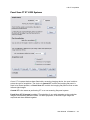
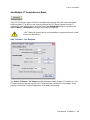
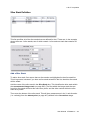
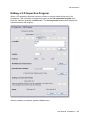
Editing a 3-D CT Batch Program
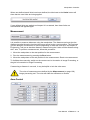
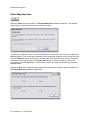
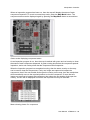
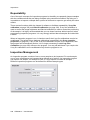
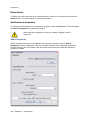
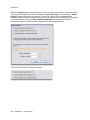
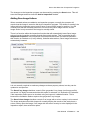
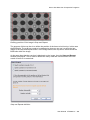
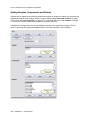
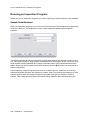
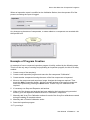
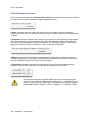
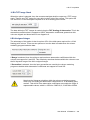
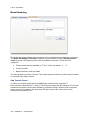
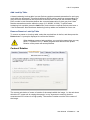
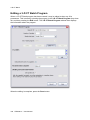
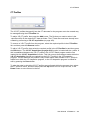
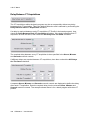
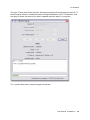
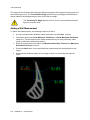
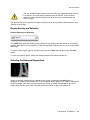
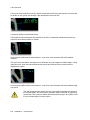
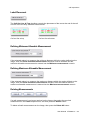
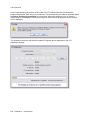
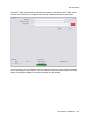
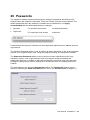
When a 3-D CT Batch program has been created, it may be edited to alter any of its
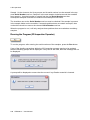
parameters. This is done by selecting the program in the 3-D CT Batch Program drop down
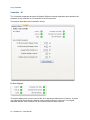
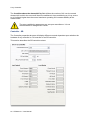
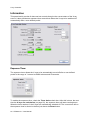
list, and then pressing the Edit button. The 3-D CT Batch Program window then displays
the information about the program.
When the editing is complete, press the Done button.
490 XTM026-A1 User Manual