1
Inspections
Action Management
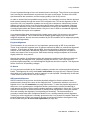
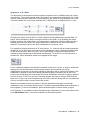
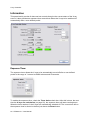
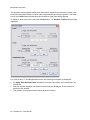
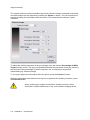
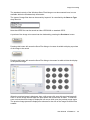
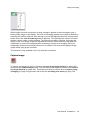
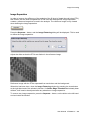
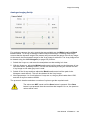
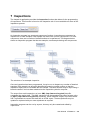
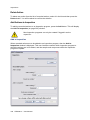
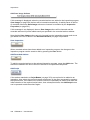
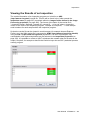
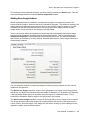
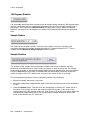
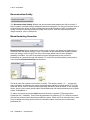
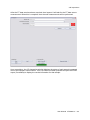
An inspection program consists of a number of samples on which a number of components
are to be inspected. For each component a list of actions can be defined. The actions for the
selected component are displayed in the Actions list.
New Action
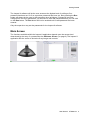
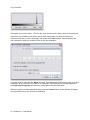
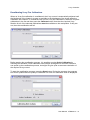
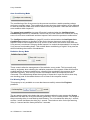
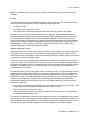
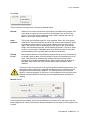
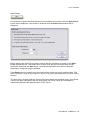
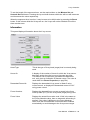
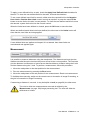
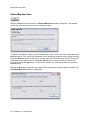
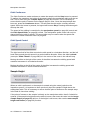
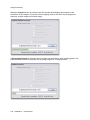
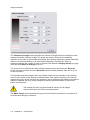
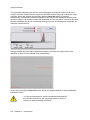
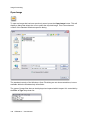
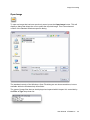
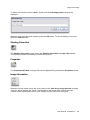
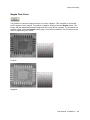
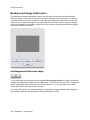
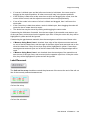
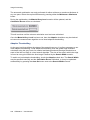
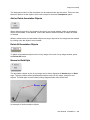
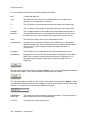
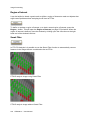
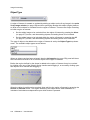
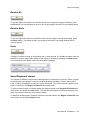
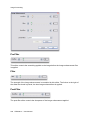
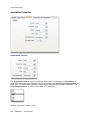
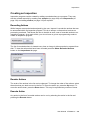
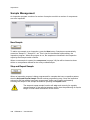
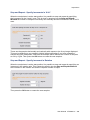
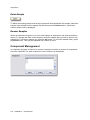
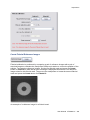
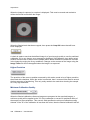
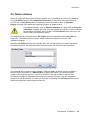
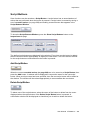
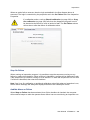
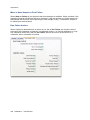
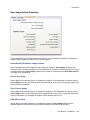
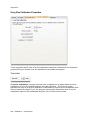
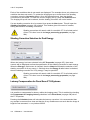
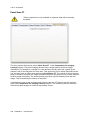
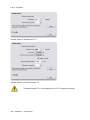
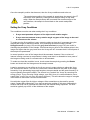
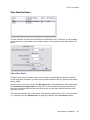
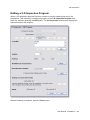
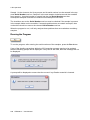
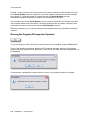
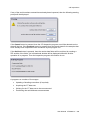
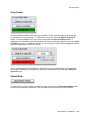
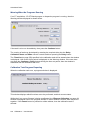
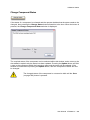
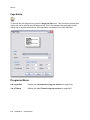
To add a new action to the current component within an inspection program, press the New
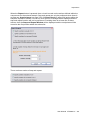
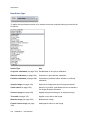
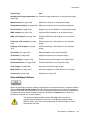
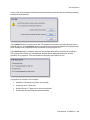
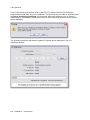
button. A window will be displayed in which the new action's type can be selected. Press the
Create button to create a new action. Press the Cancel button to not create a new action.
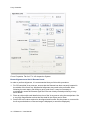
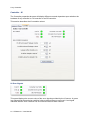
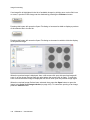
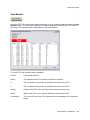
When a new action is created it will be added to the bottom of the list if no actions are
currently selected in the action list, or it will be added directly after the last action selected if
one or more actions are selected in the action list.
User Manual XTM026-A1 315