1
How to Get More Out of Inspection Programs
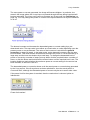
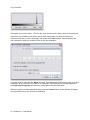
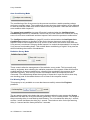
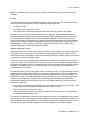
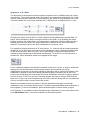
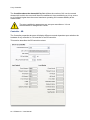
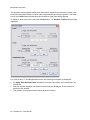
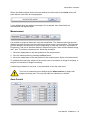
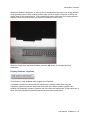
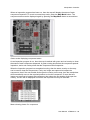
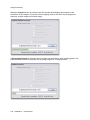
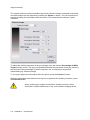
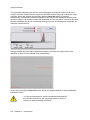
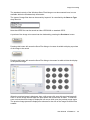
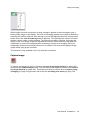
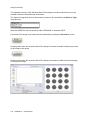
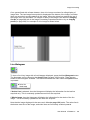
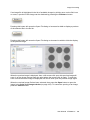
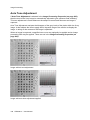
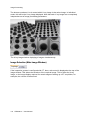
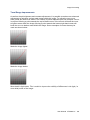
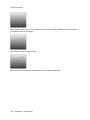
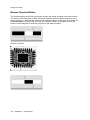
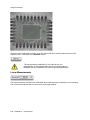
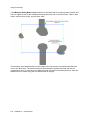
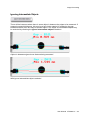
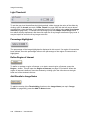
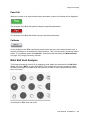
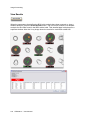
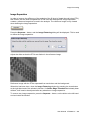
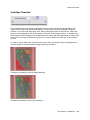
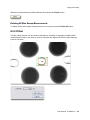
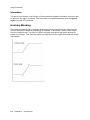
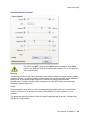
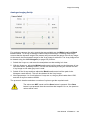
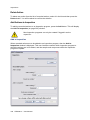
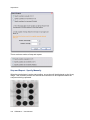
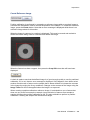
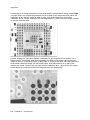
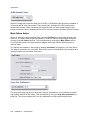
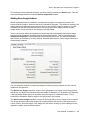
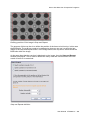
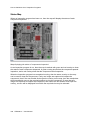
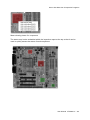
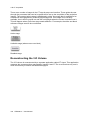
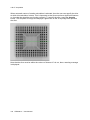
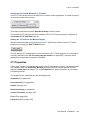
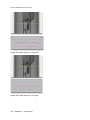
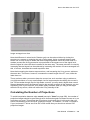
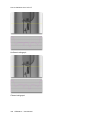
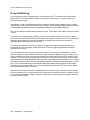
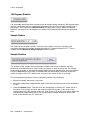
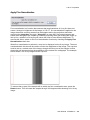
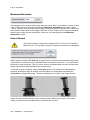
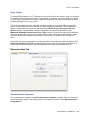
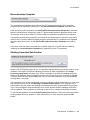
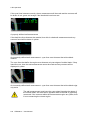
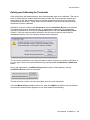
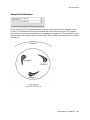
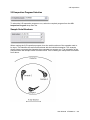
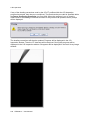
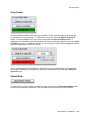
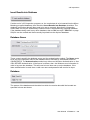
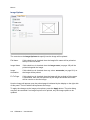
BGA image that allows for positional variation
The image above shows the same view of the BGA with space around the BGA balls that
allows for small positional variation between samples.
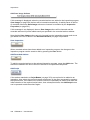
Step and Repeat
When creating an inspection program, multiple samples, components or features within the
sample being inspected are analysed. Often these are repeating patterns of the same
components (for example). Rather than having to input all the actions to analyse each
component or sample, it is possible to quickly replicate the required actions by using one of
the Step and Repeat functions within the inspection programming interface.
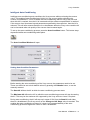
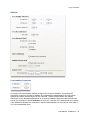
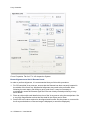
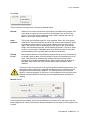
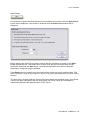
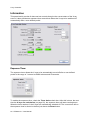
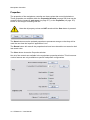
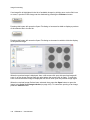
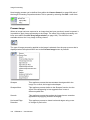
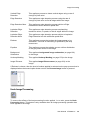
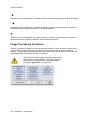
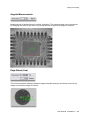
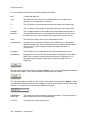
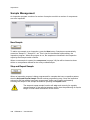
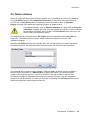
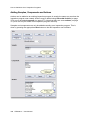
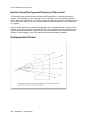
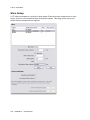
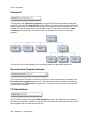
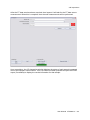
There are three different Step and Repeat functions available; one to repeat samples, one to
repeat components, and one to repeat actions within a component. Each Step and Repeat
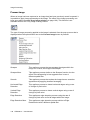
function will only work for regularly spaced objects that fall upon a rectangular grid.
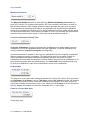
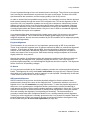
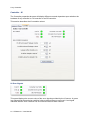
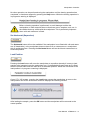
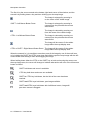
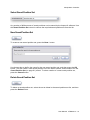
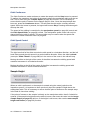
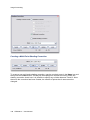
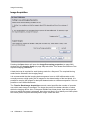
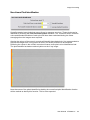
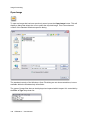
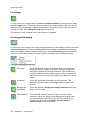
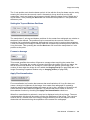
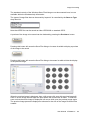
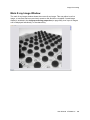
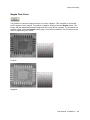
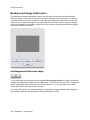
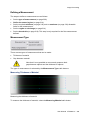
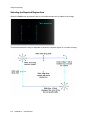
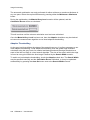
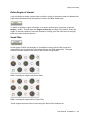
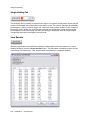
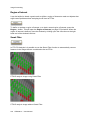
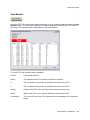
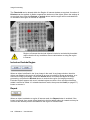
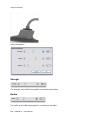
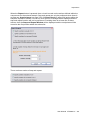
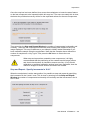
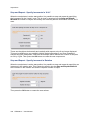
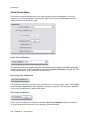
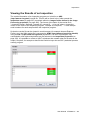
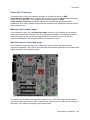
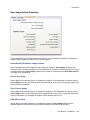
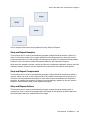
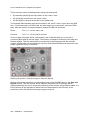
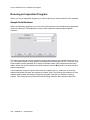
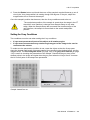
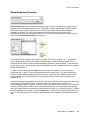
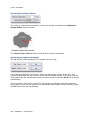
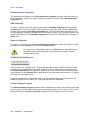
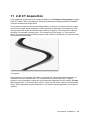
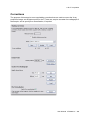
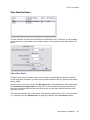
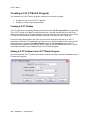
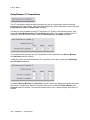
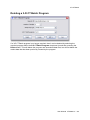
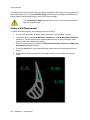
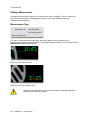
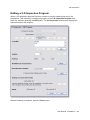
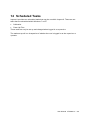
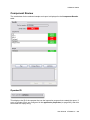
Set of samples that can be used for Step and Repeat
380 XTM026-A1 User Manual