1
RF Measurements
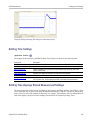
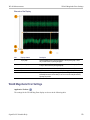
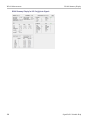
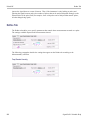
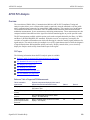
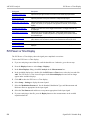
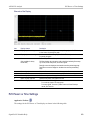
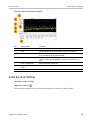
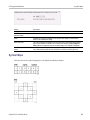
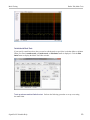
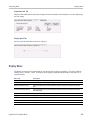
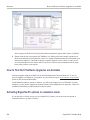
Prefs Tab for Settling Time Displays
Prefs Tab for Settling Time Displays
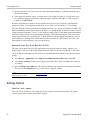
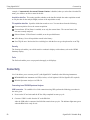
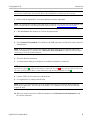
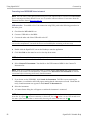
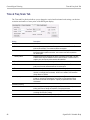
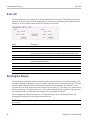
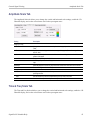
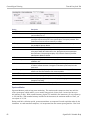
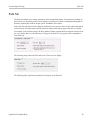
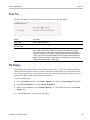
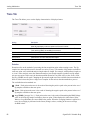
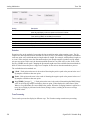
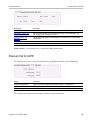
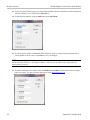
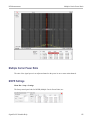
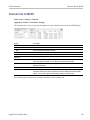
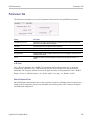
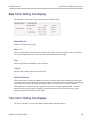
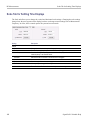
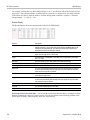
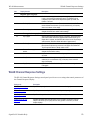
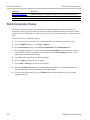
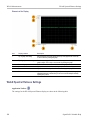
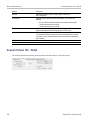
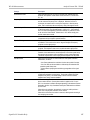
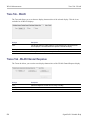
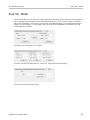
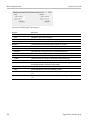
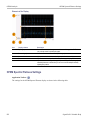
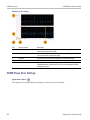
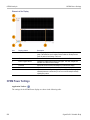
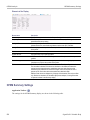
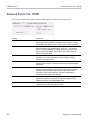
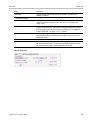
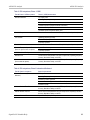
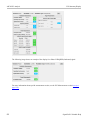
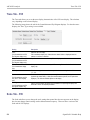
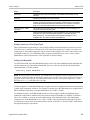
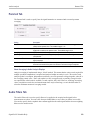
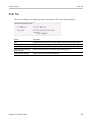
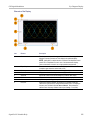
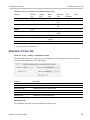
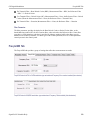
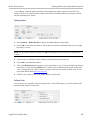
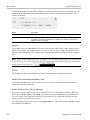
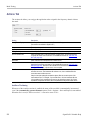
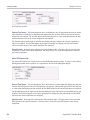
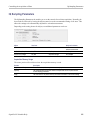
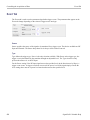
The Prefs tab allows you to change display parameters of the Settling Time displays.
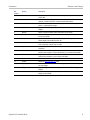
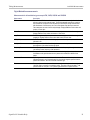
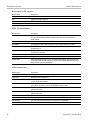
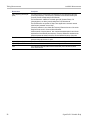
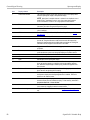
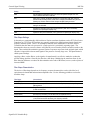
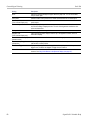
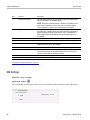
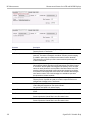
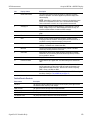
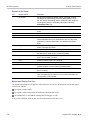
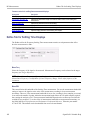
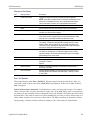
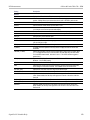
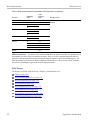
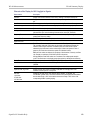
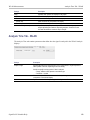
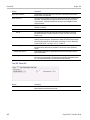
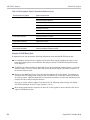
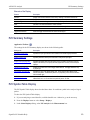
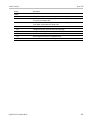
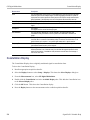
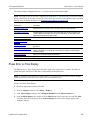
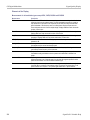
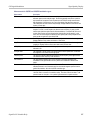
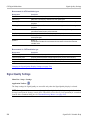
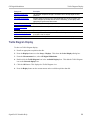
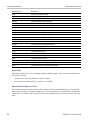
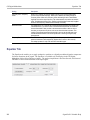
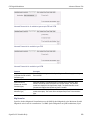
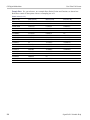
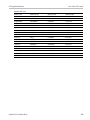
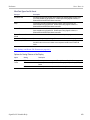
The following table explains the controls that can appear on the Prefs tab.
Setting
Description
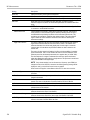
Max trace points
Sets the number of trace points used for marker measurements and for results export.
Show graticule
Select to display or hide the graticule.
Show Marker readout in graph
(selected marker)
Shows or hides the readout for the selected marker in the graph area.
Settling Time decimal places
Specifies the precision of the settling time measurement readout that appears below the
graph. This setting does not affect the precision of internal calculations.
xxx
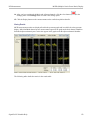
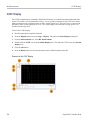
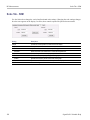
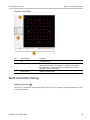
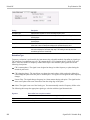
SEM Display
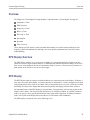
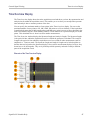
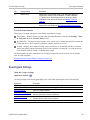
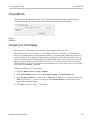
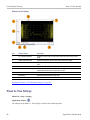
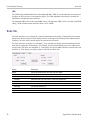
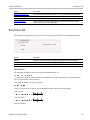
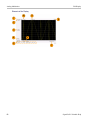
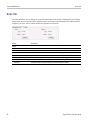
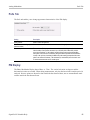
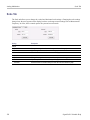
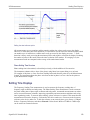
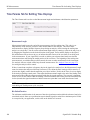
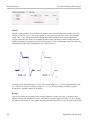
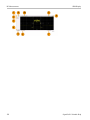
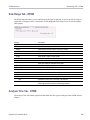
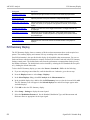
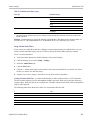
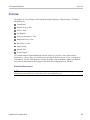
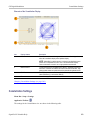
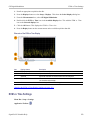
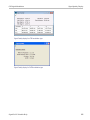
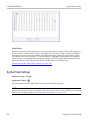
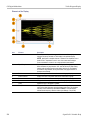
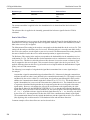
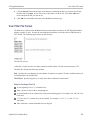
The SEM (Spectrum Emission Mask) display measures out-of-band emissions immediately outside the
channel bandwidth that result from the modulation process and non-linearity in the transmitter. The
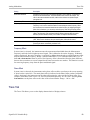
Spectrum Emission Mask display allows you to define up to six pair of masks, or offsets, that specify the
limits for out-of-band emissions and performs a pass/fail tests of the signal against the defined offsets
and limits.
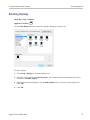
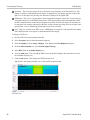
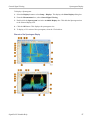
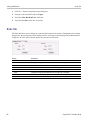
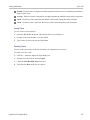
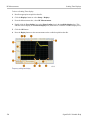
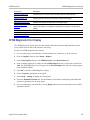
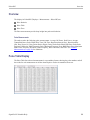
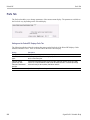
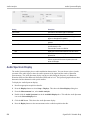
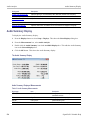
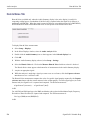
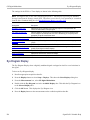
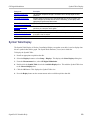
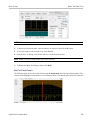
To show the Spectrum Emission Mask display:
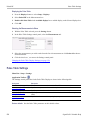
1. Recall an appropriate acquisition data file.
2. Select Displays or select Setup > Displays.
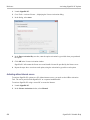
3. In the Select Displays dialog, select RF Measurements or WLAN Analysis in the Measurements box.
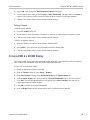
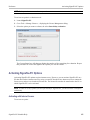
4. In the Available displays box, double-click the SEM icon or select the icon and click Add. The SEM
icon will appear in the Selected displays box and will no longer appear under Available displays.
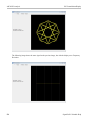
5. Click OK to show the Spectrum Emission Mask display.
6. Press the Replay button to take measurements on the recalled acquisition data file.
SignalVu-PC Printable Help
149