1
Reference
Managing SignalVu-PC Licenses
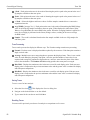
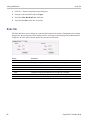
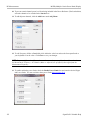
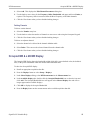
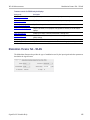
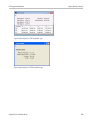
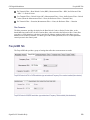
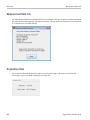
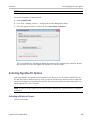
3. Write down the Host ID shown. Click Cancel to close the License Activation window.
4. Install the Activation Assistant software on a PC that has internet access.
The Activation Assistant software is located at:
If you installed SignalVu-PC from a DVD or USB flash drive, navigate to the device, open the
Offline Activation Tool folder, and run the Setup file located there.
If you downloaded SignalVu-PC from the Web, navigate to the location you extracted the
installation files. Open the Offline Activation Tool folder and run the Setup file located there.
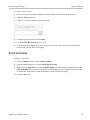
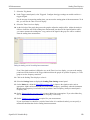
5. Launch the Activation Assistant application. Follow the instructions to generate a license file. Repeat
this step for each option that you have purchased. You will also need the option activation key you
received.
Activation keys are specific to each option, therefore you must acquire a license file for each option
purchased.
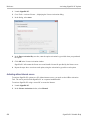
6. Copy the license file (or files) to the following location the PC on which SignalVu-PC is to be activated:
C:\ProgramData\Tektronix\RSA\SignalVu-PC\License
7. Restart SignalVu-PC.
This completes the activation process for SignalVu-PC options.
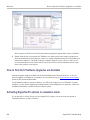
Managing SignalVu-PC Licenses
SignalVu-PC options are licensed for use on a single PC. However, you can move SignalVu-PC and its
options from one PC to another PC by deactivating each option on the current installation and reactivating
them on another PC.
SignalVu-PC Printable Help
437