1
Nios II Embedded Tools Reference
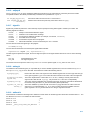
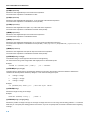
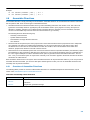
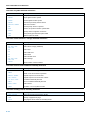
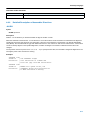
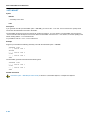
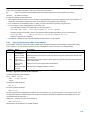
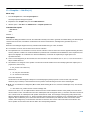
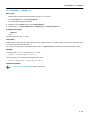
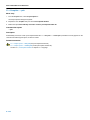
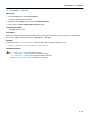
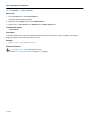
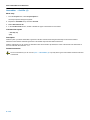
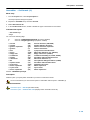
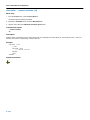
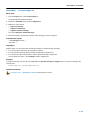
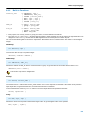
C Compiler: −−tradeoff (−t)
Menu entry
1. From the Project menu, select Project Options...
The Project Options dialog box appears.
2. Expand the C Compiler entry and select Optimization.
3. In the Size/speed trade−off field, select a level between fully optimize for size or fully optimize for speed.
Command line syntax
−−tradeoff={0|1|2|3|4}
−t{0|1|2|3|4}
Description
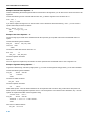
If the compiler uses certain optimizations (option −−optimize), you can use this option to specify whether the used optimizations
should optimize for more speed (regardless of code size) or for smaller code size (regardless of speed).
By default the compiler optimizes for more speed (−−tradeoff=0).
If you have not used the option −−optimize, the compiler uses the default optimization. In this case it is still useful to
specify a trade−off level.
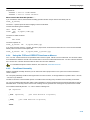
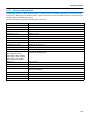
Related information
C compiler option −−optimize (Specify optimization level)
5−52