1
Nios II Embedded Tools Reference
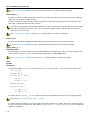
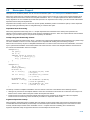
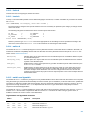
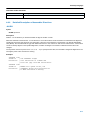
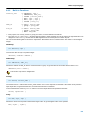
C++ Compiler: −−embedded−c++
Menu entry
1. From the Project menu, select Project Options...
The Project Options dialog box appears.
2. Expand the C++ Compiler entry and select C++ Language.
3. Enable the option Comply to embedded C++ subset.
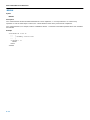
Command line syntax
−−embedded−c++
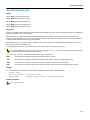
Description
The "Embedded C++" subset does not support templates, exceptions, namespaces, new−style casts, RTTI, multiple inheritance,
virtual base classes, and the mutable keyword. Select this option when you want the C++ compiler to give an error when you
use any of them in your C++ source.
Related information
−
5−72