1
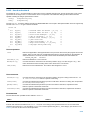
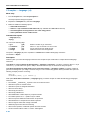
Tool Options − C Compiler
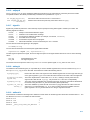
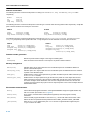
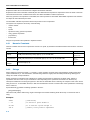
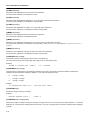
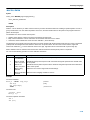
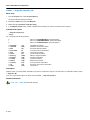
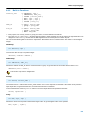
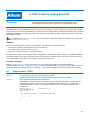
C Compiler: −−endianness
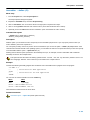
Menu entry
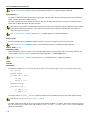
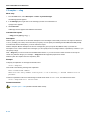
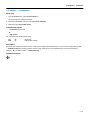
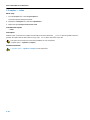
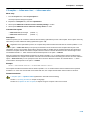
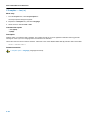
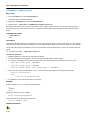
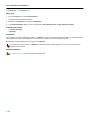
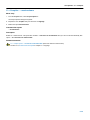
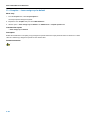
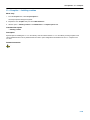
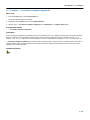
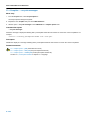
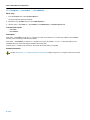
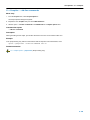
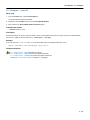
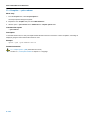
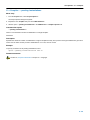
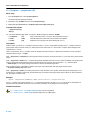
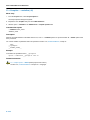
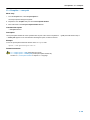
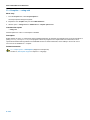
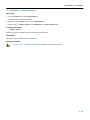
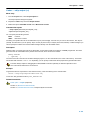
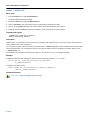
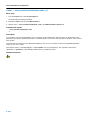
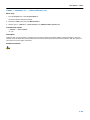
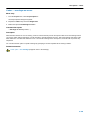
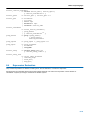
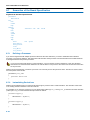
1. From the Project menu, select Project Options...
The Project Options dialog box appears.
2. Expand the Processor entry and select Processor Definition.
3. Enable the option Big−endian mode.
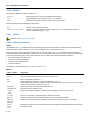
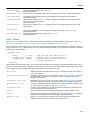
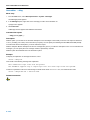
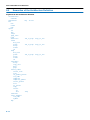
Command line syntax
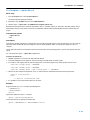
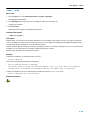
−−endianness=endianness
−B
−−big−endian
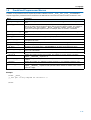
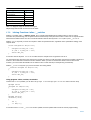
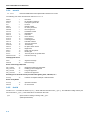
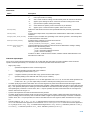
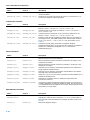
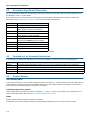
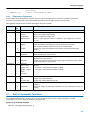
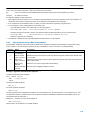
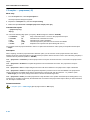
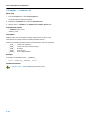
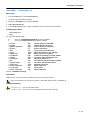
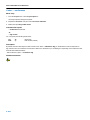
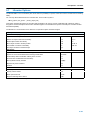
You can specify the following endianness:
big
little
(b)
(l)
Big endian
Little endian (default)
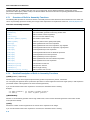
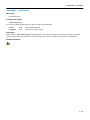
Description
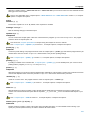
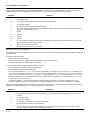
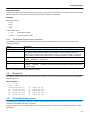
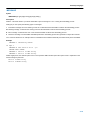
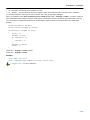
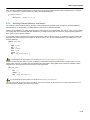
By default, the compiler generates code for a little−endian target (least significant byte of a word at lowest byte address). With
−−endianness=big the compiler generates code for a big−endian target (most significant byte of a word at lowest byte
address). −B is an alias for option −−endianness=big.
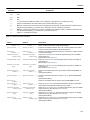
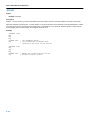
Related information
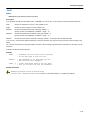
−
5−15