1
Tool Options − Linker
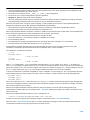
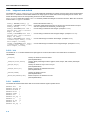
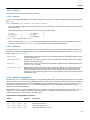
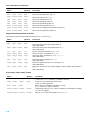
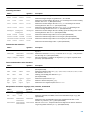
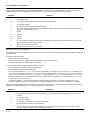
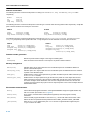
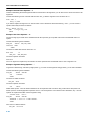
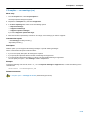
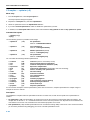
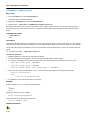
Linker: −−extern (−e)
Menu entry
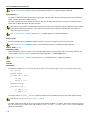
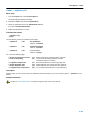
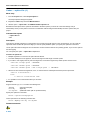
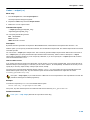
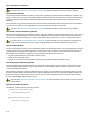
1. From the Project menu, select Project Options...
The Project Options dialog box appears.
2. Expand the Linker entry and select Miscellaneous.
3. Add the option −−extern to the Additional linker options field.
Command line syntax
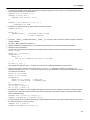
−−extern=symbol
−e symbol
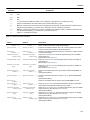
Description
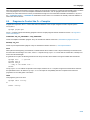
With this option you force the linker to consider the given symbol as an undefined reference. The linker tries to resolve this
symbol, either the symbol is defined in an object file or the linker extracts the corresponding symbol definition from a library.
This option is, for example, useful if the startup code is part of a library. Because your own application does not refer to the
startup code, you can force the startup code to be extracted by specifying the symbol _START as an unresolved external.
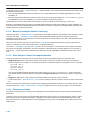
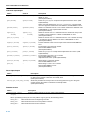
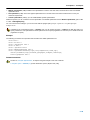
Example
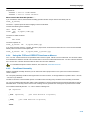
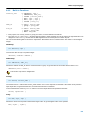
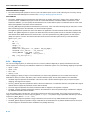
Consider the following invocation:
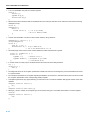
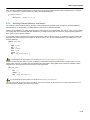
lknios mylib.lib
Nothing is linked and no output file will be produced, because there are no unresolved symbols when the linker searches
through mylib.lib.
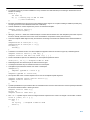
lknios −−extern=_START mylib.lib
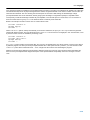
In this case the linker searches for the symbol _START in the library and (if found) extracts the object that contains _START, the
startup code. If this module contains new unresolved symbols, the linker looks again in mylib.lib. This process repeats until
no new unresolved symbols are found.
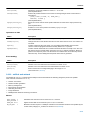
Related information
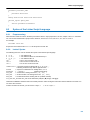
Section 6.4, Linking with Libraries, in chapter Using the Linker of the user’s manual.
5−203