1
Tool Options − C++ Compiler
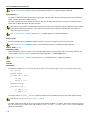
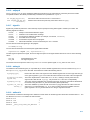
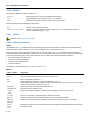
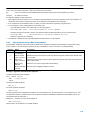
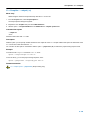
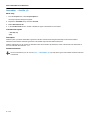
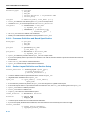
C++ Compiler: −−output (−o)
Menu entry
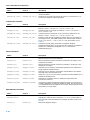
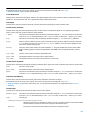
Altium Designer names the output file always after the C++ source file.
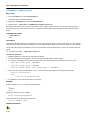
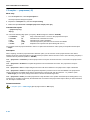
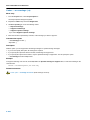
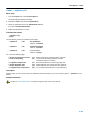
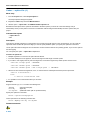
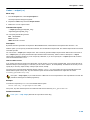
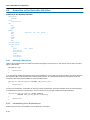
1. From the Project menu, select Project Options...
The Project Options dialog box appears.
2. Expand the C++ Compiler entry and select Miscellaneous.
3. Add the option −−old−specializations to the Additional C++ compiler options field.
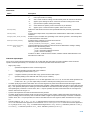
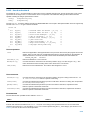
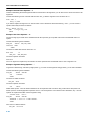
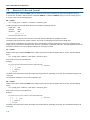
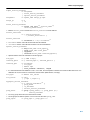
Command line syntax
−−output=file
−o file
Default: module name with .ic suffix.
Description
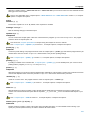
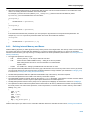
With this option you can specify another filename for the output file of the C++ compiler. Without this option the basename of the
C++ source file is used with extension .ic.
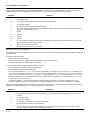
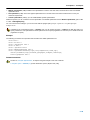
You can also use this option in combination with the option −−preprocess (−E) to redirect the preprocessing output to a file.
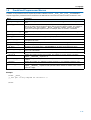
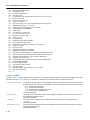
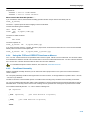
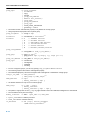
Example
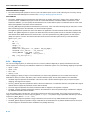
To create the file output.ic instead of test.ic, enter:
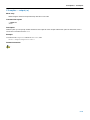
cpnios −−output=output.ic test.cc
To use the file my.pre as the preprocessing output file, enter:
cpnios −−preprocess −−output=my.pre test.cc
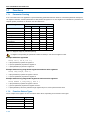
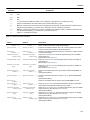
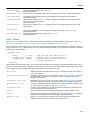
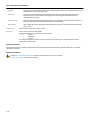
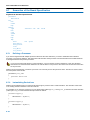
Related information
C++ compiler option −−preprocess (Preprocessing only)
5−133