1
Dok.-Nr/Doc. No.: COL–RIBRE–STD–0010
Daimler–Benz Aerospace
Ausgabe/Issue:
Überarbtg./Rev.:
Seite/Page:
Raumfahrt-Infrastruktur
4
–
4–52
Datum/Date : 13.03.1998
Datum/Date:
von/of
4–71
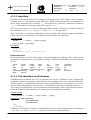
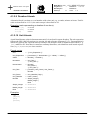
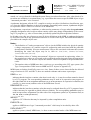
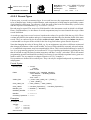
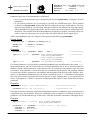
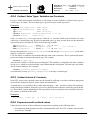
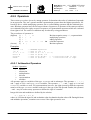
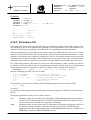
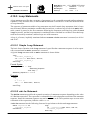
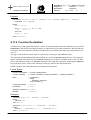
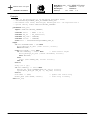
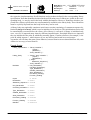
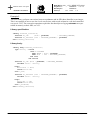
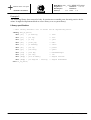
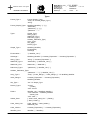
Formal Syntax
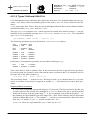
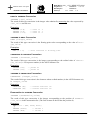
While_Statement
= ”while” Expression ”do”
Statement_Sequence
”end” ”while” ”;”
Expression
= see 4.9
Statement_Sequence = see 4.10
Examples
while \PM\TTC\MODE = 0 do
Wait (1.0 [s]);
end while;
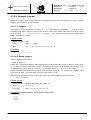
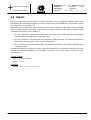
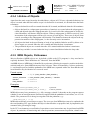
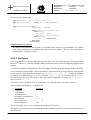
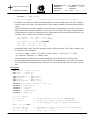
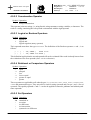
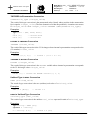
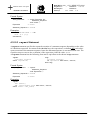
4.10.5.3 repeat Statement
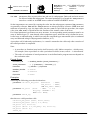
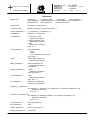
A repeat statement specifies the repeated execution of a statement sequence depending on the value
of a Boolean expression. In contrast to the while loop, the expression is evaluated after each subsequent execution of the statement sequence; hence the statement sequence is executed at least once. The
repetition stops as soon as the evaluation of the expression yields the value TRUE.
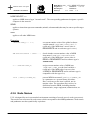
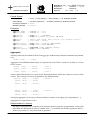
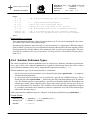
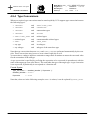
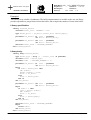
A repeat statement has the following form and is equivalent to the shown loop statement:
repeat
statement_sequence
until expression;
loop
statement_sequence
if expression then exit; end if;
end loop;
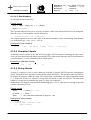
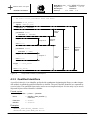
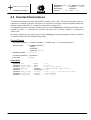
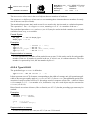
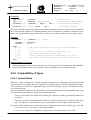
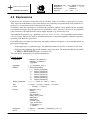
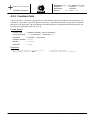
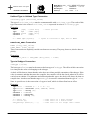
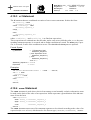
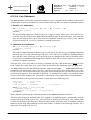
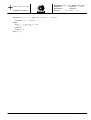
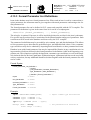
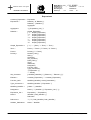
Formal Syntax
Repeat_Statement
= ”repeat”
Statement_Sequence
”until” Expression ”;”
Statement_Sequende = see 4.10
Expression
= see 4.9
Examples
repeat
INC (Index);
if ~ Table(Index).Used then exit; end if;
until Index = Max_Index;
Daimler–Benz Aerospace AG, D–28199 Bremen – All Rights reserved – Copyright per DIN 34