1
3.2.2.
Import from DigiSave
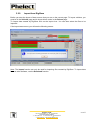
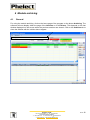
Before you start the import of data, ensure that you are on the correct page. To import vehicles, you
must be in the Vehicles page and to import driver cards, in the Drivers page.
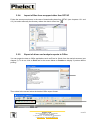
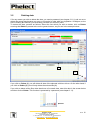
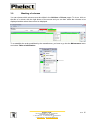
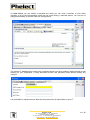
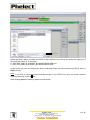
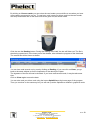
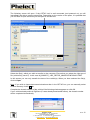
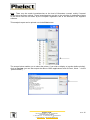
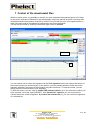
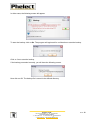
To import data created by DigiSave click on the Import icon. You can then select the files to be
imported.
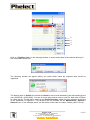
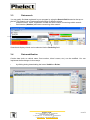
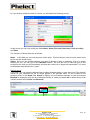
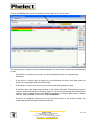
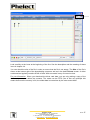
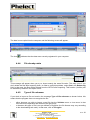
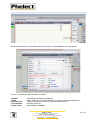
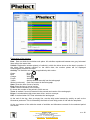
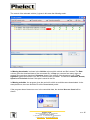
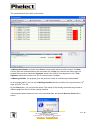
If the import was correct, you will see the following screen:
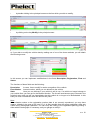
Note: The Import function can only be used for importing files created by DigiSave. To import data
from an other software, use the Download function.
PHELECT SPRL
Rue des Trois Entités, 15 – Z.I. des Plénesses
4890 THIMISTER/CLERMONT
℡ +32 87/56 02 74 - +32 87/55 26 39 - ) 0439.839.075
www.phelect.be - [email protected]
V3.0
6