1
Activity Insight Basic User Manual
Using Activity Insight to Manage the Faculty Evaluation System (FES)
The Faculty Evaluation System (FES) is the University-approved advancement system utilized by all full-time faculty to
record performance data in order to apply for extended contracts and promotions. Activity Insight serves as the repository
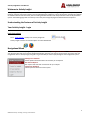
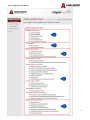
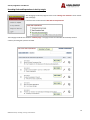
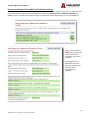
for all elements of FES. After you log into Activity Insight you will see the screen on the prior page (pg. 8). When you first
visit the home page, it would be a good idea to spend some time looking through the screen titles accessible from it. Each
section will be described below.
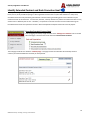
Biographical Information
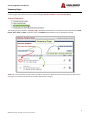
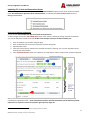
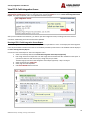
The Biographical Information section is the best place to start using Activity Insight. It is recommended that you focus on
the Contact Information, Educational Degrees, and History of Academic Advancement screens. You will find that some basic
information is entered.
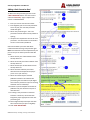
APU Information
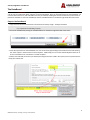
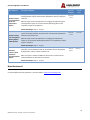
The APU Information section stores specific APU information. It is recommended that you complete the APU Yearly Data
screen in its entirety and update as needed.
The annual workload agreement is updated by your school or department.
9
08142014 Center for Teaching, Learning, and Assessment